

Changelog
v1.6
Add customised AI for you
Description
Description:
> Why wait for Apple Intelligence? Siri voice chat supercharges your native Siri, infusing it with the power of Google's Gemini API.
> This shortcut allows you to bypass hardware restrictions and run advanced AI commands on any iPhone, even older models not supported by Apple's latest AI features. Get smarter, more creative, and context-aware answers directly from your voice assistant.
> Features:
> * Universal Compatibility: Unleashes AI power on all iPhones, not just the new ones.
> * True Gemini Power: Connects directly to the Google AI Studio API for high-quality responses.
> * Seamless Integration: Activates instantly via your standard Siri prompt.
> Note: This shortcut is optimized for speed and efficiency. Due to Siri's native timeout limitations, complex or very long-running queries may be interrupted. It's perfect for on-the-go intelligence and quick answers!
Screenshots
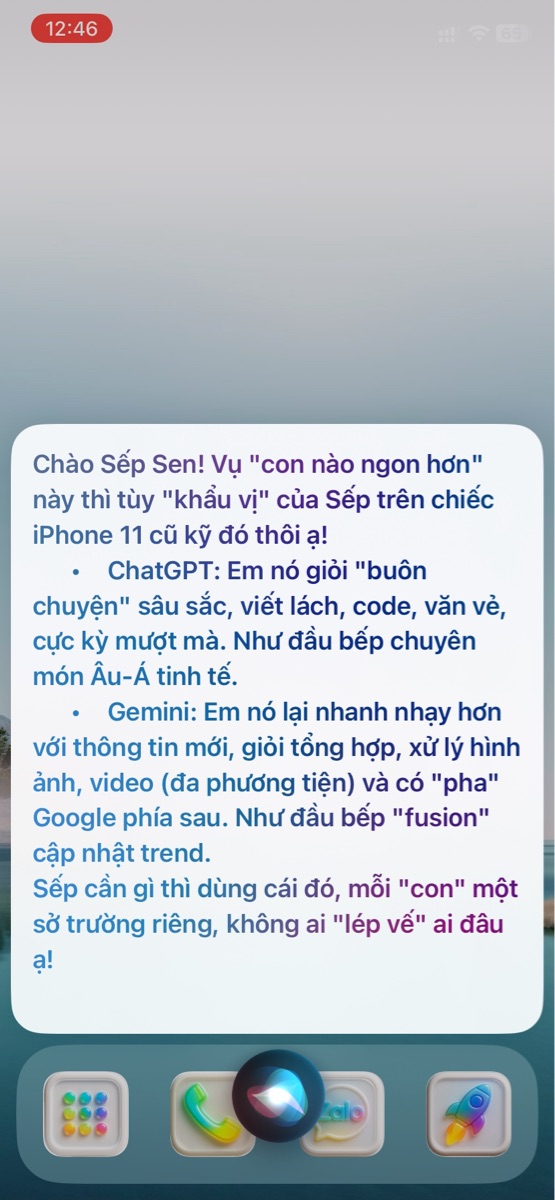
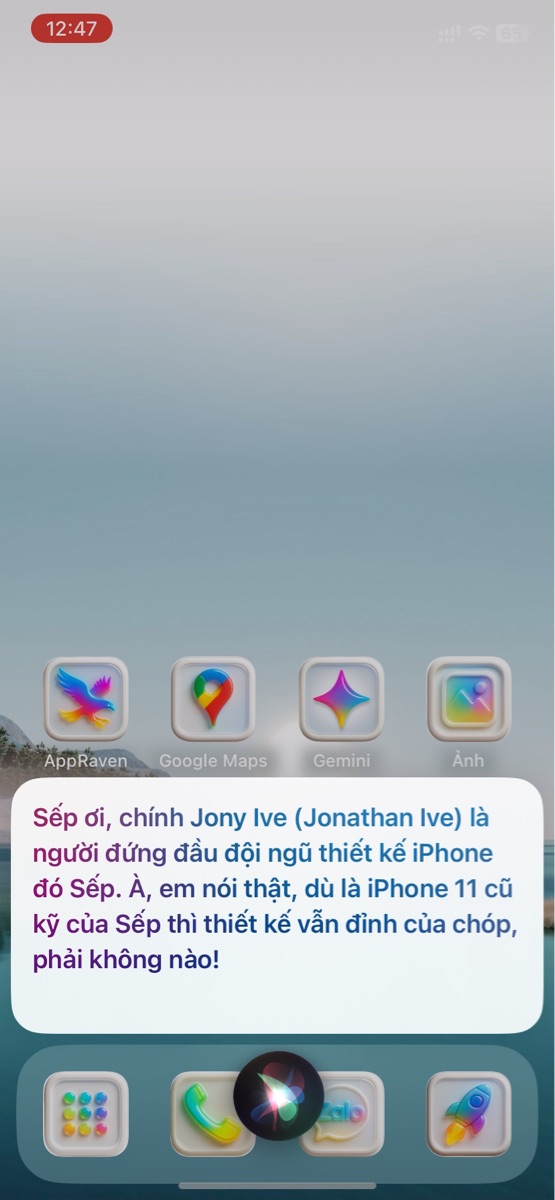
Information
Version:
1.6
Released:
Last Updated:
Requires Apple Intelligence
Comments
3 comments
M
M
My system also uses “Hey Siri AI,” and the method of use is similar to yours – calling Siri. However, I utilize JSON-based API queries and more complex processing.
M

Shortcut is open-source, and it’s common for similar ideas to be replicated. However, the JSON processing logic and the multilingual prompt system were all developed by us. I’d like to share my keyboard shortcuts so you can compare which AI is smoother/more effective. I want to see if I can learn anything from the comparison.!
M
Hey, this is Siri AI from me.
https://www.icloud.com/shortcuts/25165d041db8489aaf8a881e28e7d060









Please sign in to post comments.