


Changelog
v1.1
Description
Save Action Clips and paste them into other shortcuts! Publish and download other user’s creations!
## What does it do?
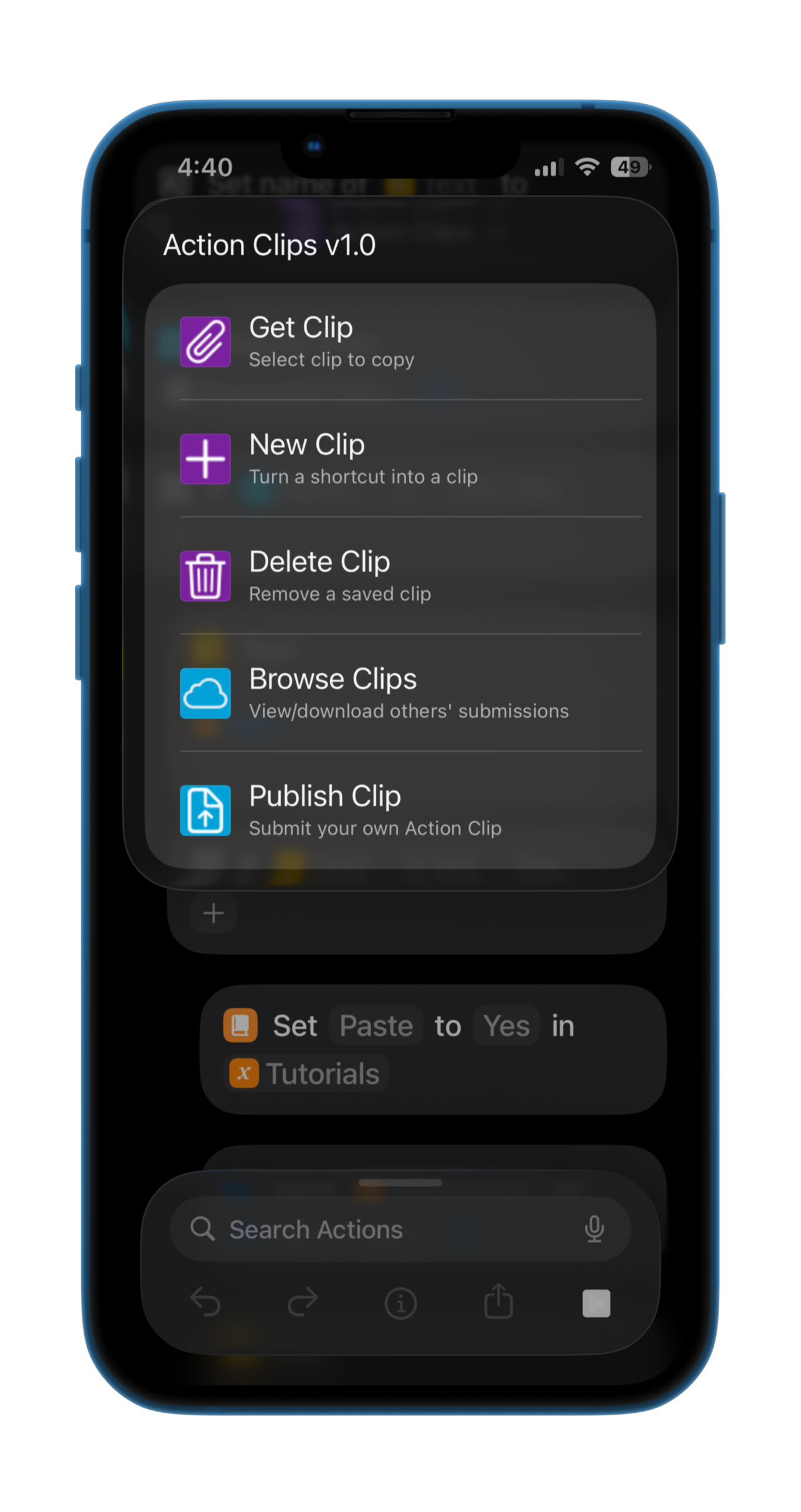
**Action Clips** are small snippets of iOS Shortcut Actions that might be frequently used, but don't make up an entire shortcut. This could be an update checking module, a javascript snippet, or a common Yes/No menu. **Action Clips** allows you to create, copy, download, and share these clips to use in your shortcut development.
## How do I use it?
To create a clip, simply populate a new shortcut with the clip's actions, then run **Action Clips** and choose that shortcut. The actions will be parsed and saved locally for later use.
To copy/paste a clip, select your **Action Clip** and head to the destination shortcut. Tap on any action's icon, then tap *Paste Above* or *Paste Below* to paste all the actions at once.
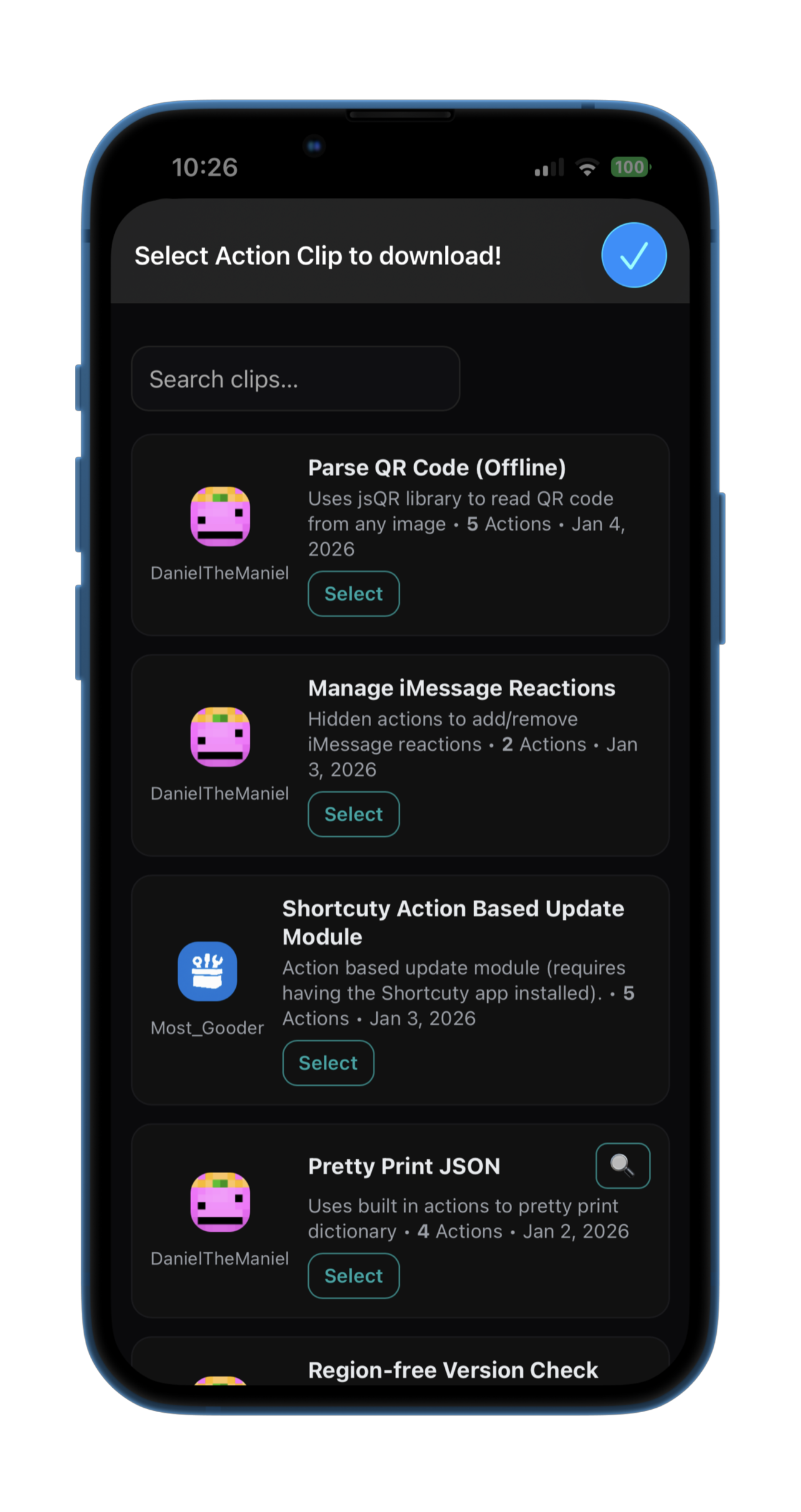
To download another user's clip, either have them send you the `.zip` file and save it manually, or use the shortcut to browse the curated online catalog of clips. Once you select it, it will download to your Clips folder and be regularly accessible.
To upload a clip, you'll be guided through creating a username and *(optionally)* choosing a profile picture. Then, you'll be prompted for a short description and a screenshot *(optional)*, after which the clip will be sent to be reviewed before being uploaded.
## Some technical notes
- All posted clips along with any `HTML` and `javascript` used by the shortcut and worker are available on [my github](https://github.com/Dan1elTheMan1el/IOS-Shortcuts/tree/main/ActionClips).
- When uploading, your clip, description, and profile are sent to my cloudflare worker, which signs a testing shortcut and sends it to me through a webhook. This allows me to vet the actions, as well as any other content that will be posted. I then have my own admin shortcut that can add posts, as well as manage an IP Blacklist in case of abuse/spam.
- This entire project is free to run/host! This is the largest scope of project that I've created thus far, and I'm excited to see what this community will share.
Screenshots
Information

Comments
Start the conversation
No comments yet. Be the first to comment!








Please sign in to post comments.