


Changelog
v1.5
Fix the error
Description
Quickly Wallpaper – Set your wallpaper faster than your “aesthetic” mood swings!
You found a stunning image online. The old way? Download → open Settings → Wallpaper → hunt it down in your gallery… That’s more steps than a viral TikTok dance tutorial.
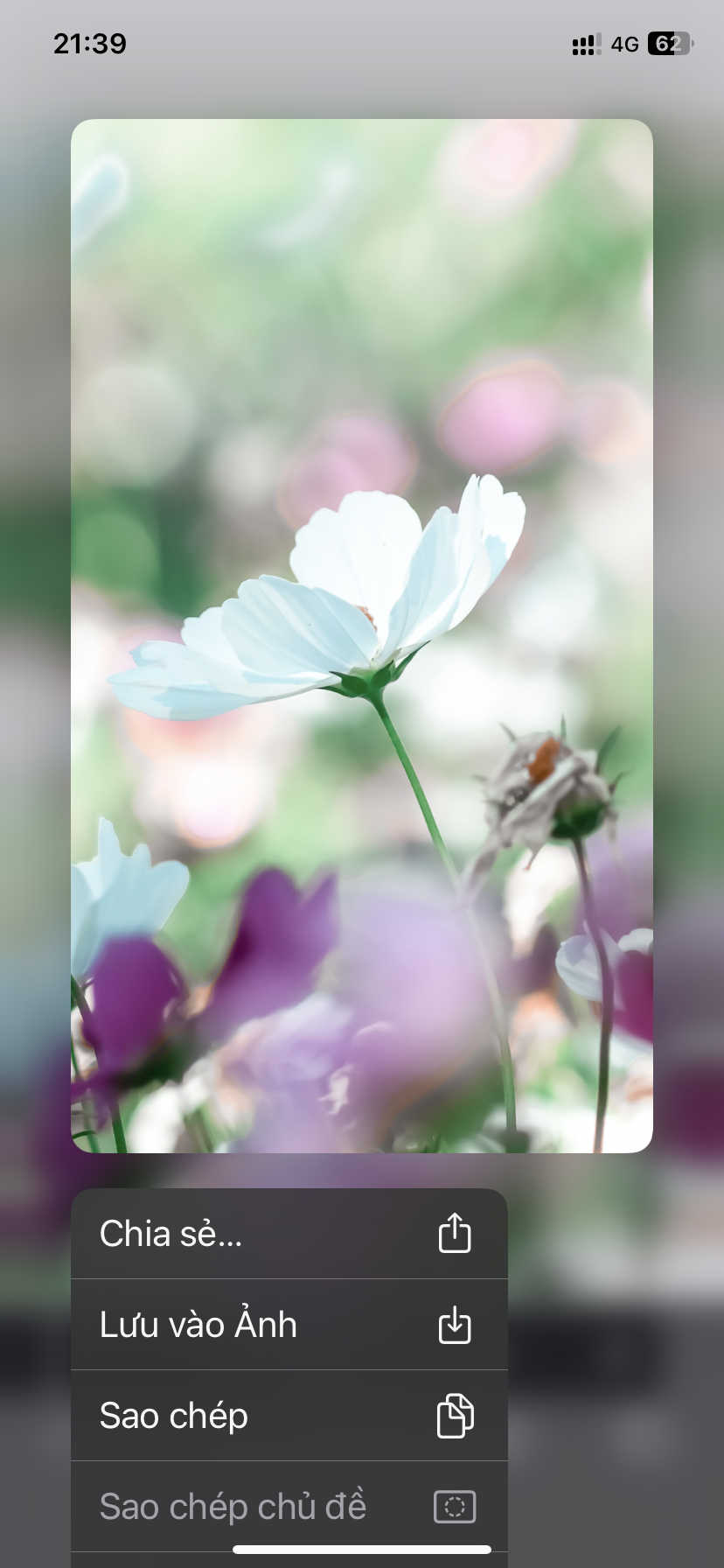
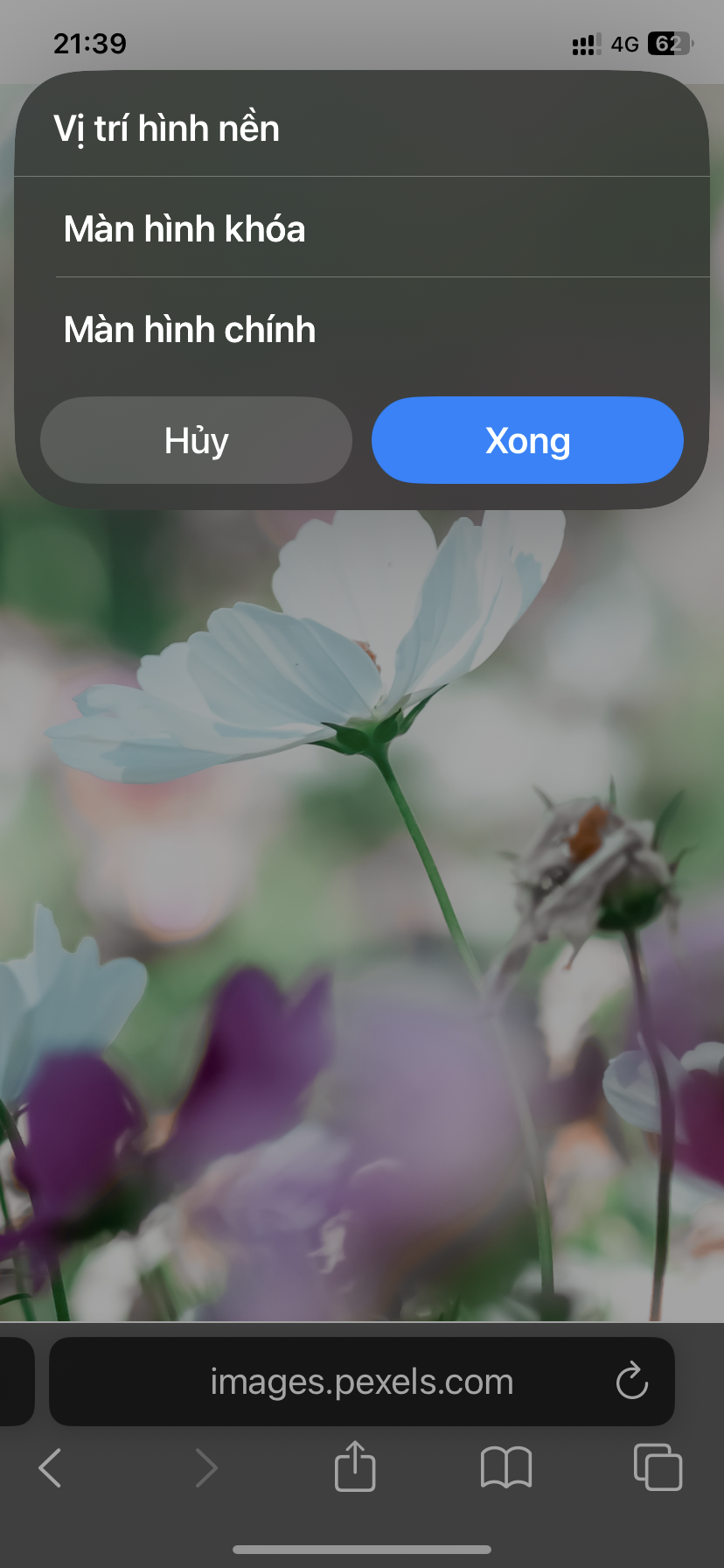
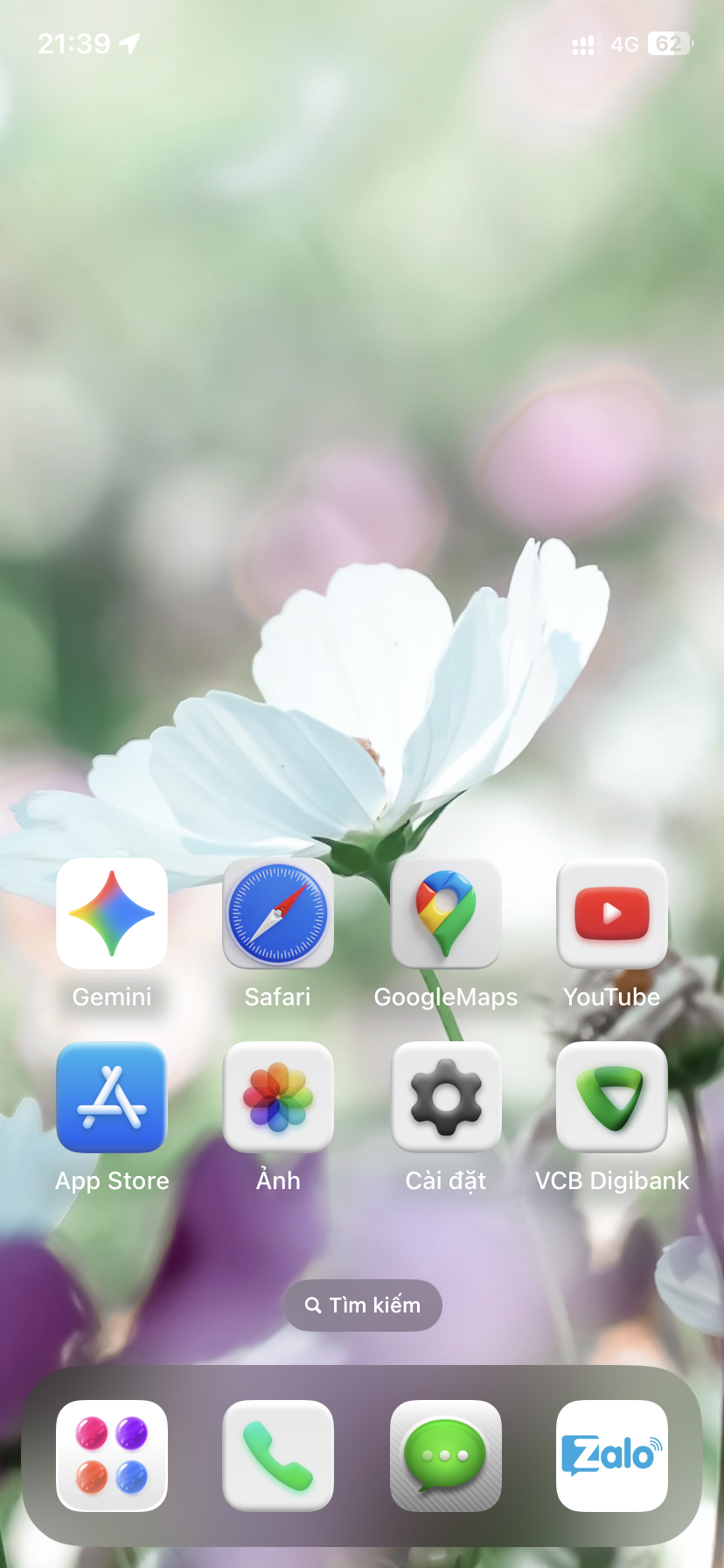
Let Quickly Wallpaper do the magic. Simply long-press an image on the web → Share → choose this shortcut, and BOOM! That beauty is instantly your new Lock Screen or Home Screen wallpaper. No downloads, no storage wasted, no extra taps.
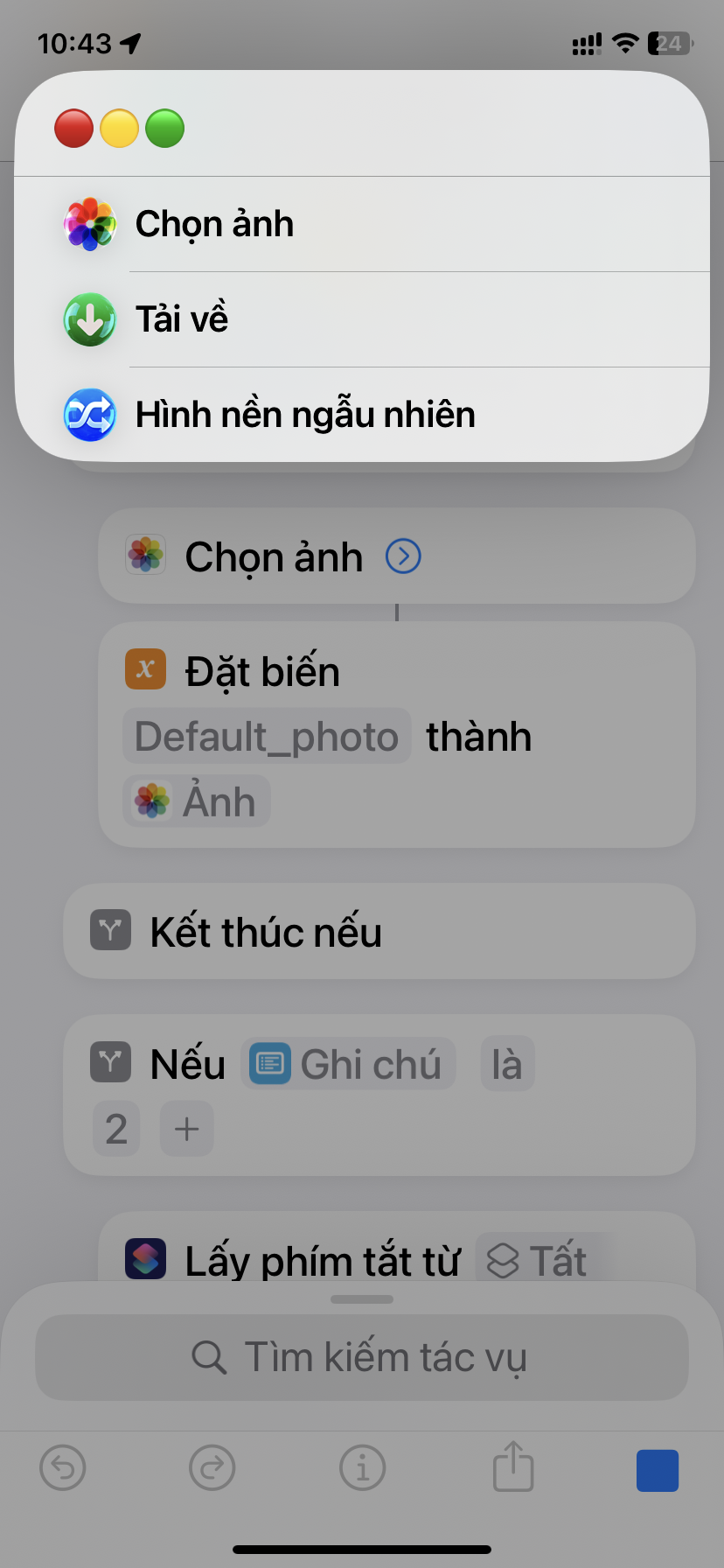
No web image in hand? No worries! Just run the shortcut directly, and it'll politely let you pick a photo from your library and work its magic—faster than you can say “where’s my old wallpaper?”
⚡ Highlights:
· One-tap wallpaper from the web, zero downloads.
· Also lets you choose from your photo library if you're offline or just feeling nostalgic.
· Saves you 3x the time compared to the traditional method (proven by totally-made-up science).
👉 Warning: Using this shortcut once is highly addictive. You may forget the “Save Image” button ever existed. Don’t blame us if you start changing your wallpaper 5 times a day just because you can.
Add it to your Shortcuts collection now, and spread the word to all the “lazy-but-stylish” souls out there!
Screenshots
Information

Comments
Start the conversation
No comments yet. Be the first to comment!











Please sign in to post comments.