


Description
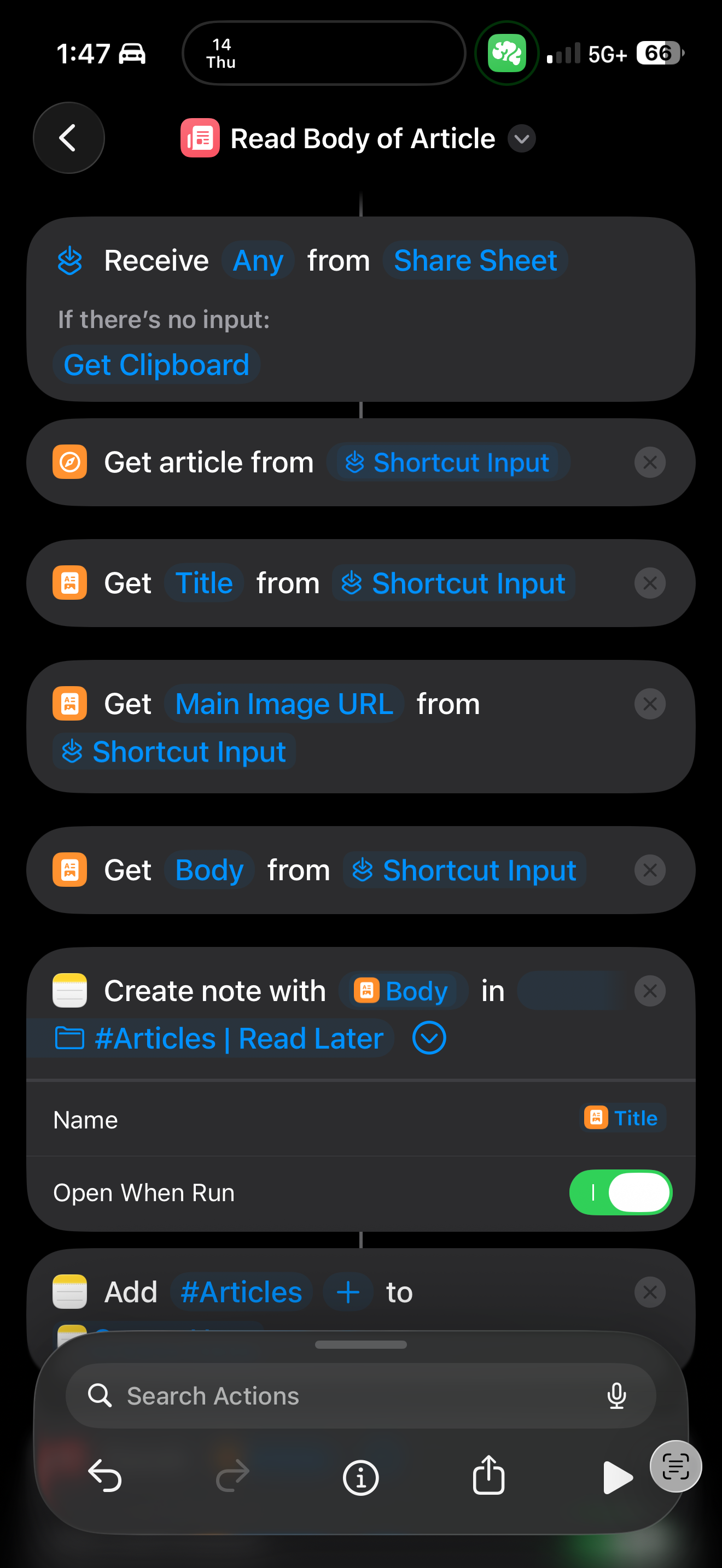
This Shortcut is designed to extract an article's title, image, and body from a shared link or the clipboard and save it as a note in the Notes app for later reading. It also tags the note for organization. 💻
Note: Make sure to select your own Notes folder in the Shortcut for the Note functionality to work properly. 💻
Screenshots
Information
Version:
1.0
Released:
Last Updated:
Comments
Start the conversation
No comments yet. Be the first to comment!

Please sign in to post comments.