

Description
Quick Launch LLM Menu
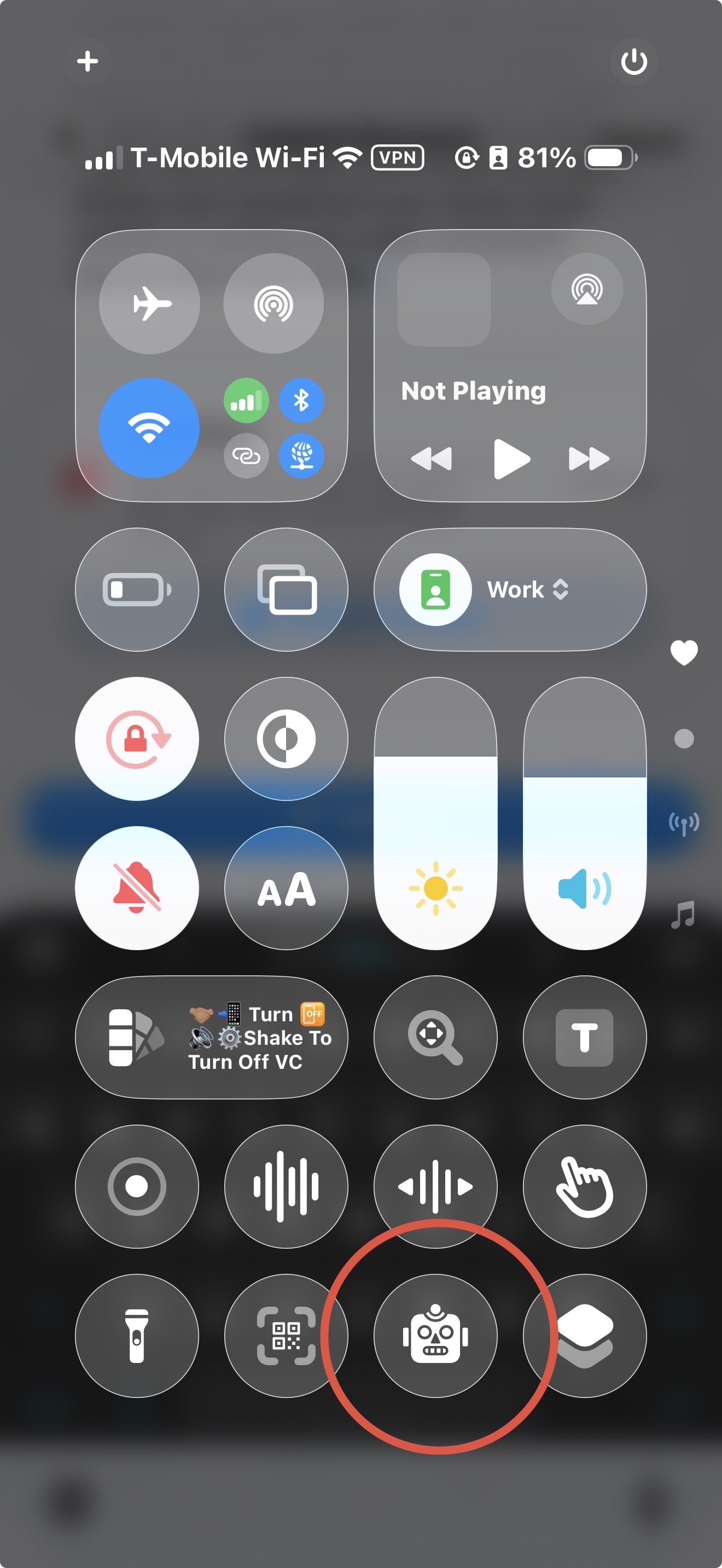
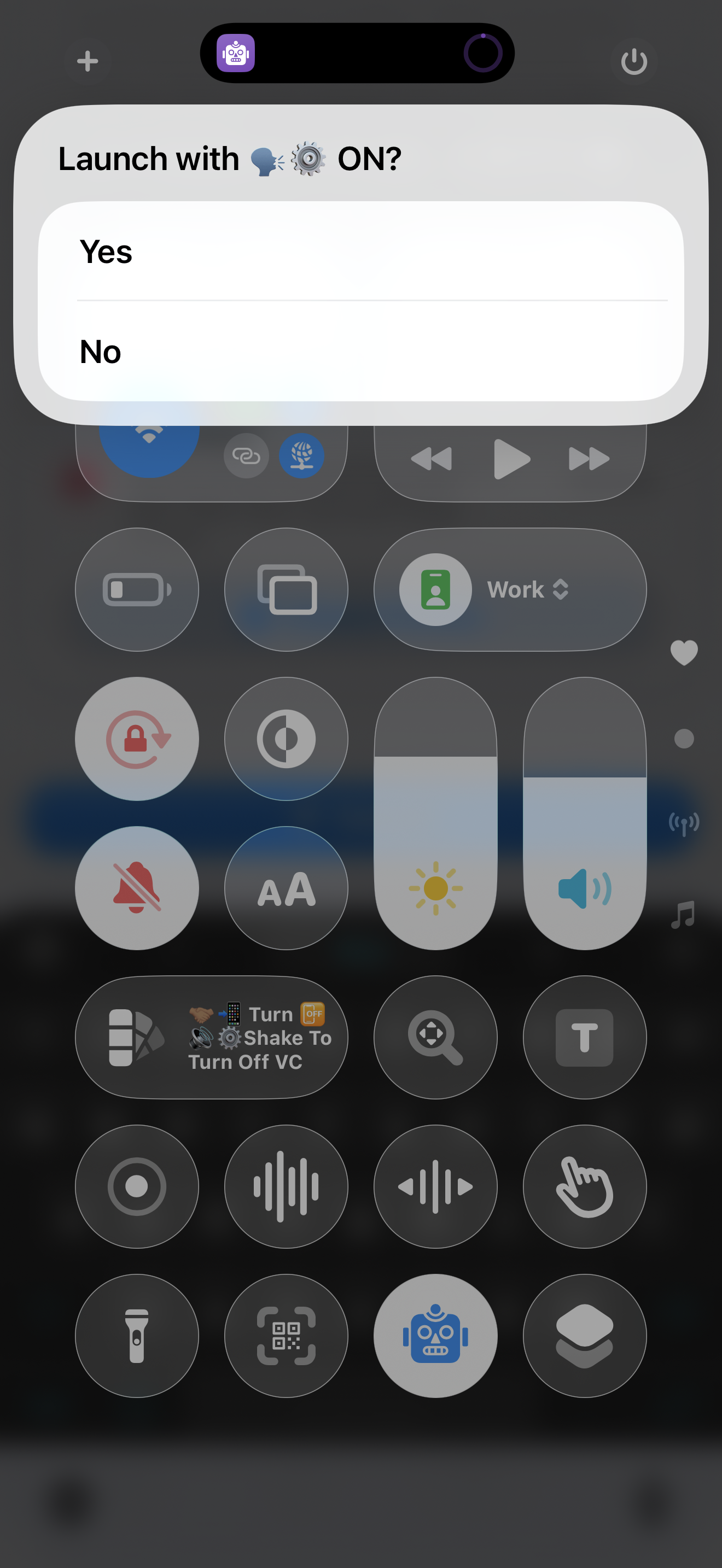
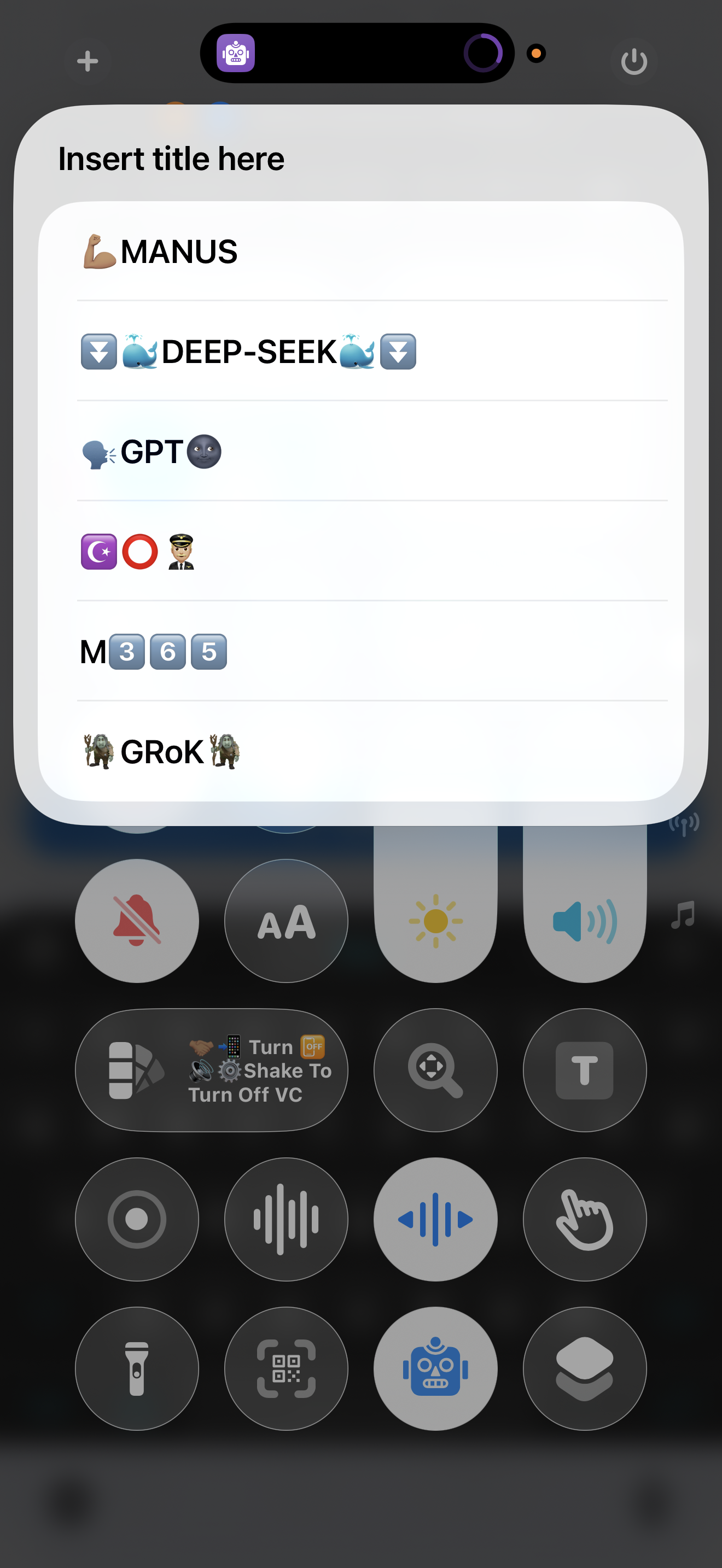
A streamlined shortcut that begins by asking whether you want voice control on or off then opens a clear menu of your installed language models. After choosing your interaction mode you can instantly access Microsoft Copilot Microsoft M365 Copilot Manus ChatGPT DeepSeek and Grok. Once you select the model you want simply start speaking if you chose voice control on giving you a fast consistent launch flow every time.
Screenshots
Information
Version:
1.0
Released:
Last Updated:
Comments
Start the conversation
No comments yet. Be the first to comment!






Please sign in to post comments.