

Description
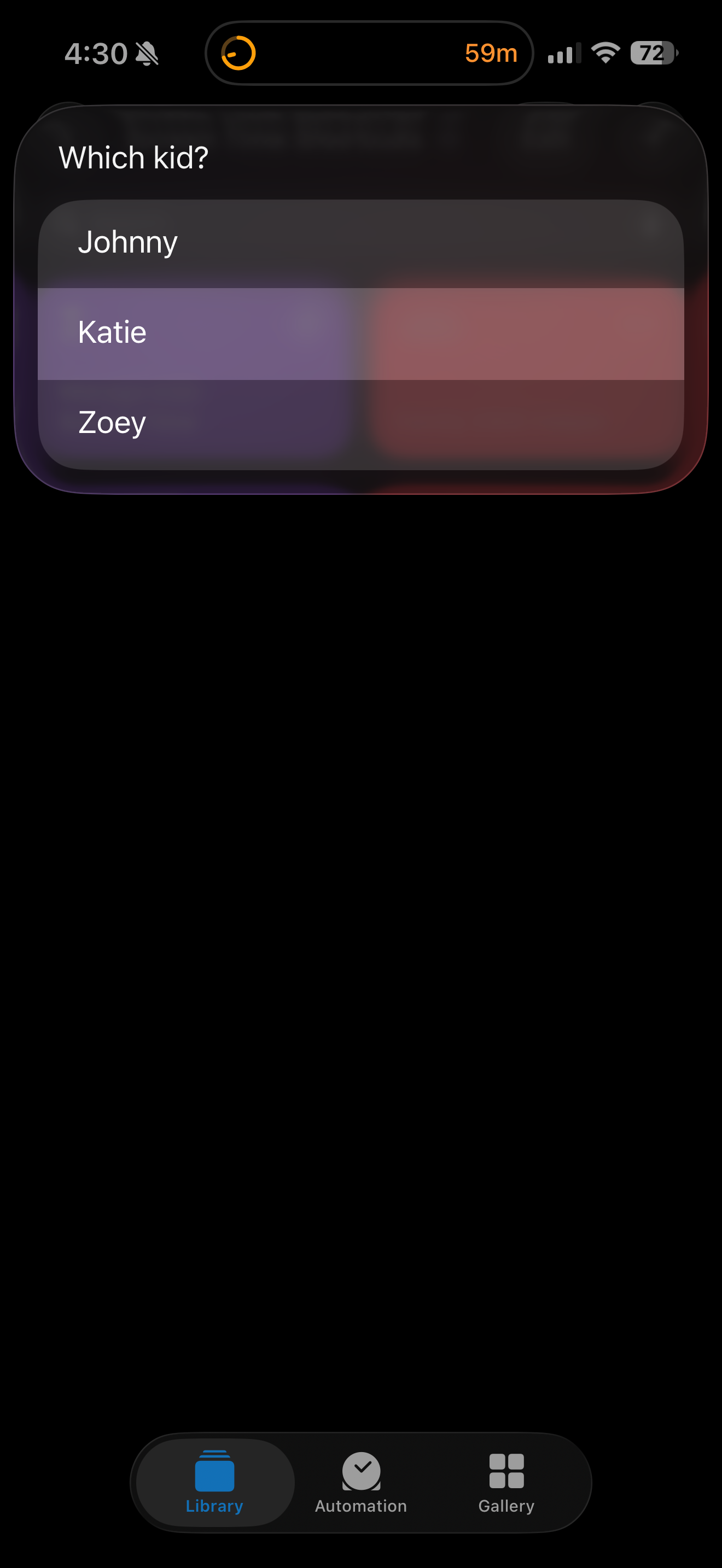
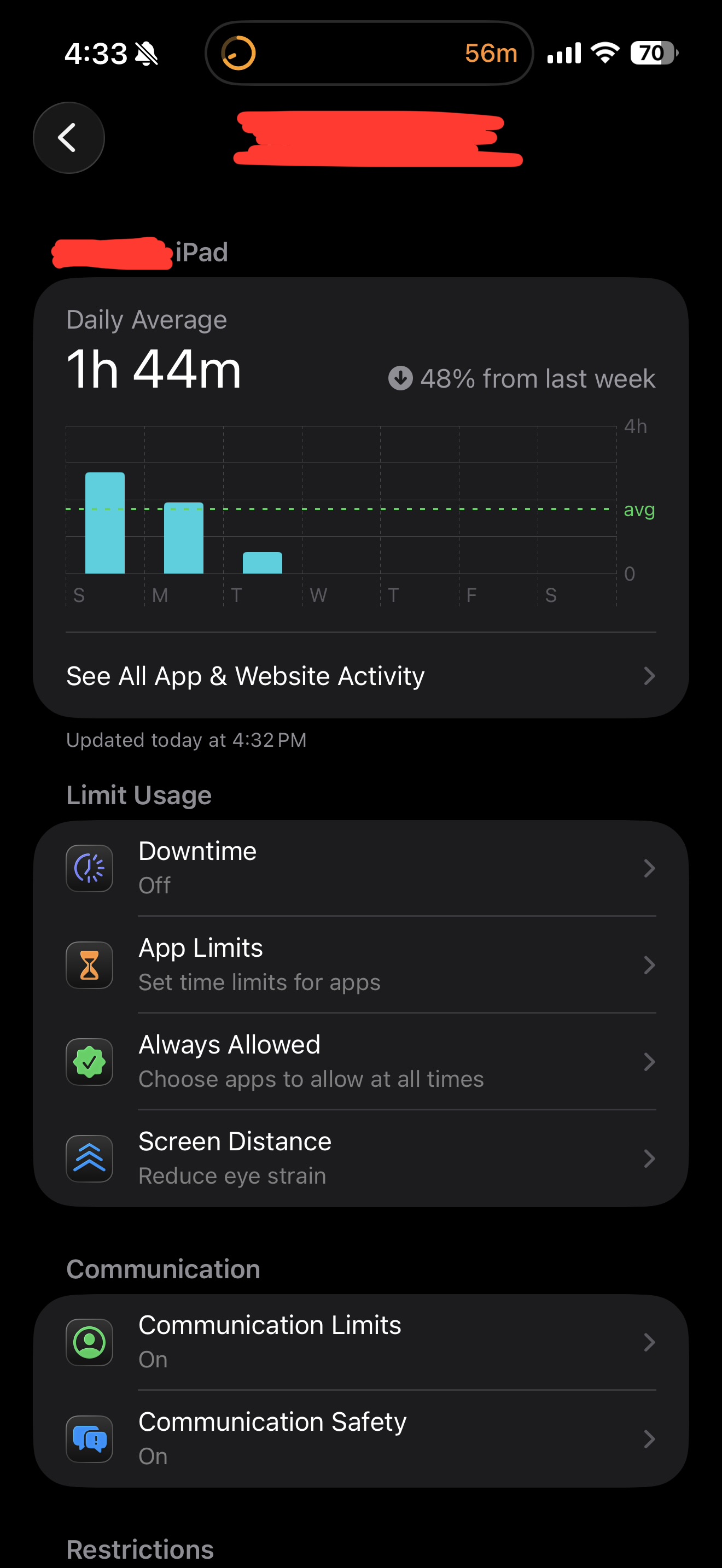
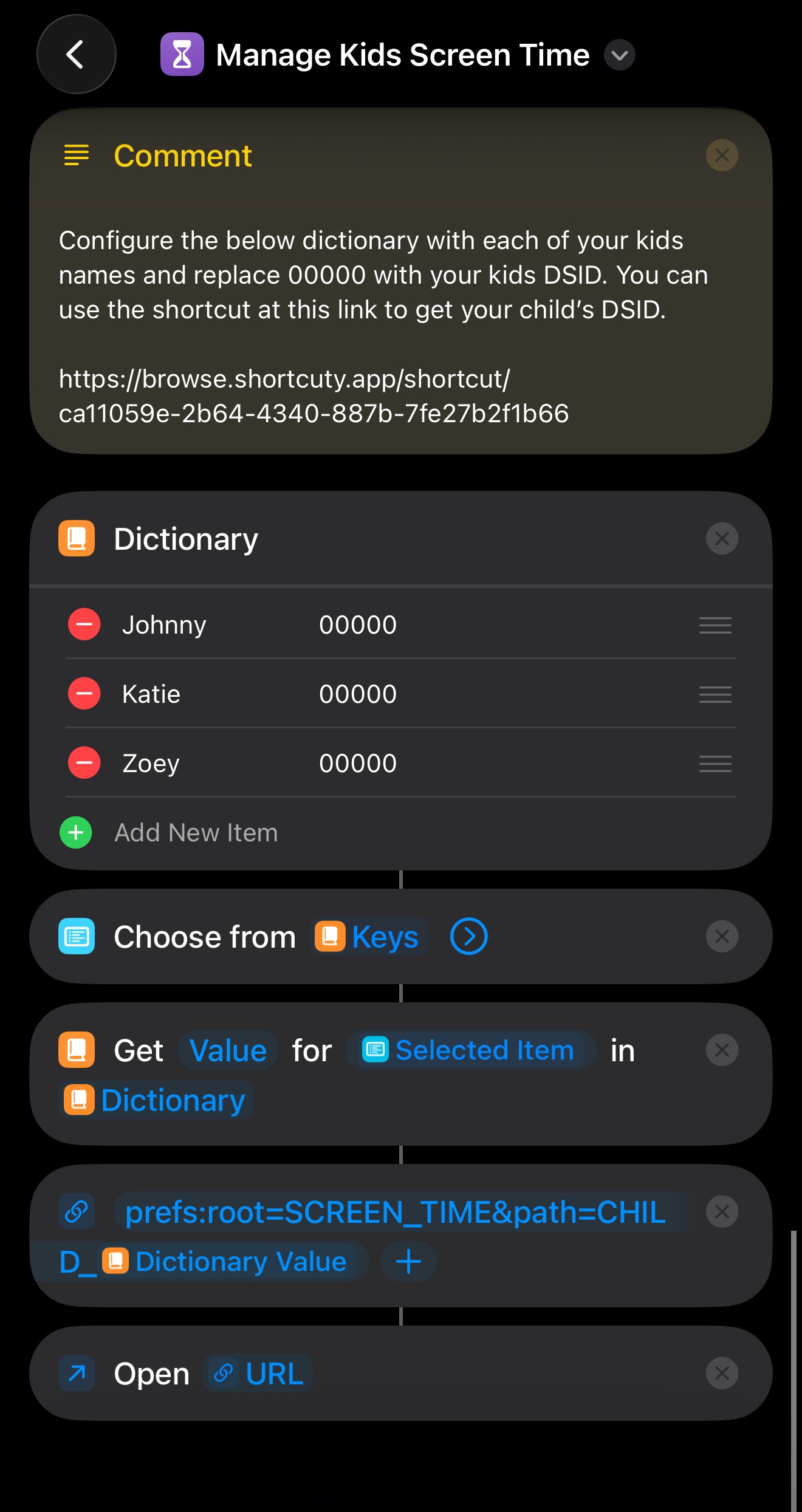
👋 Hello, this shortcut is for parents that manage their kids screen time. It allows you launch into a specific child’s screen time profile, instead of navigating through cluttered setting menus. Once properly configured, this shortcut is able to navigate you directly to here: Settings → Screen Time → Family → [Child] using native iOS URL Schemes. This shortcut works by navigating you to this iOS URL scheme:
prefs:root=SCREEN_TIME&path=CHILD_[DSID]
=== SETUP ===
You’ll notice at the end of the URL is a variable called [DSID]. You will need to obtain your child’s DSID. This can be a little tricky but you can find instructions and a helper shortcut here:
https://browse.shortcuty.app/shortcut/ca11059e-2b64-4340-887b-7fe27b2f1b66
Screenshots
Information
Version:
1.0
Released:
Last Updated:
Comments
1 comment
C
Thank you so much for sharing this! It's super handy as a parent and saves me so much tapping.






Please sign in to post comments.