

Description
Never forget to cancel a free trial again!
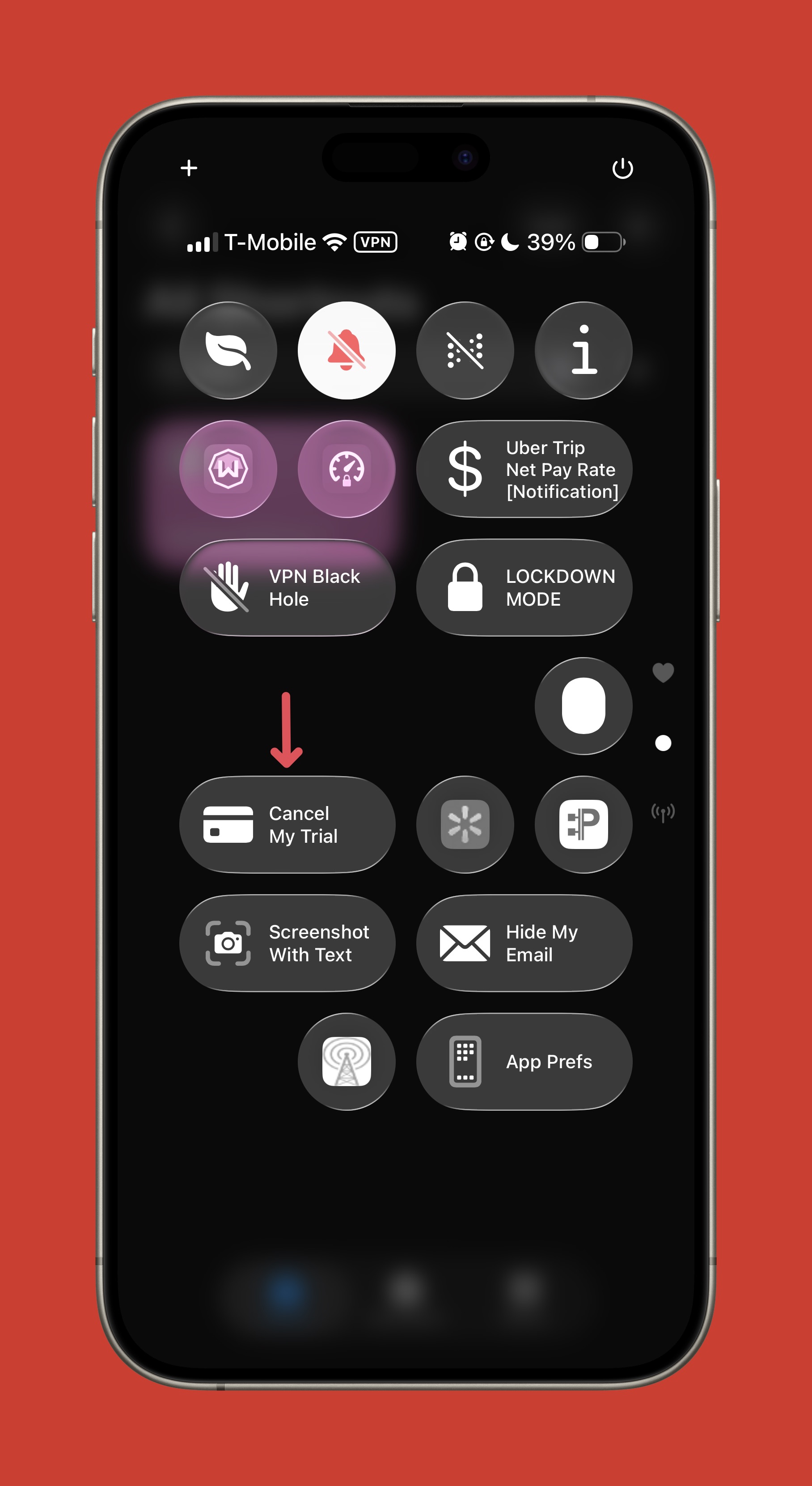
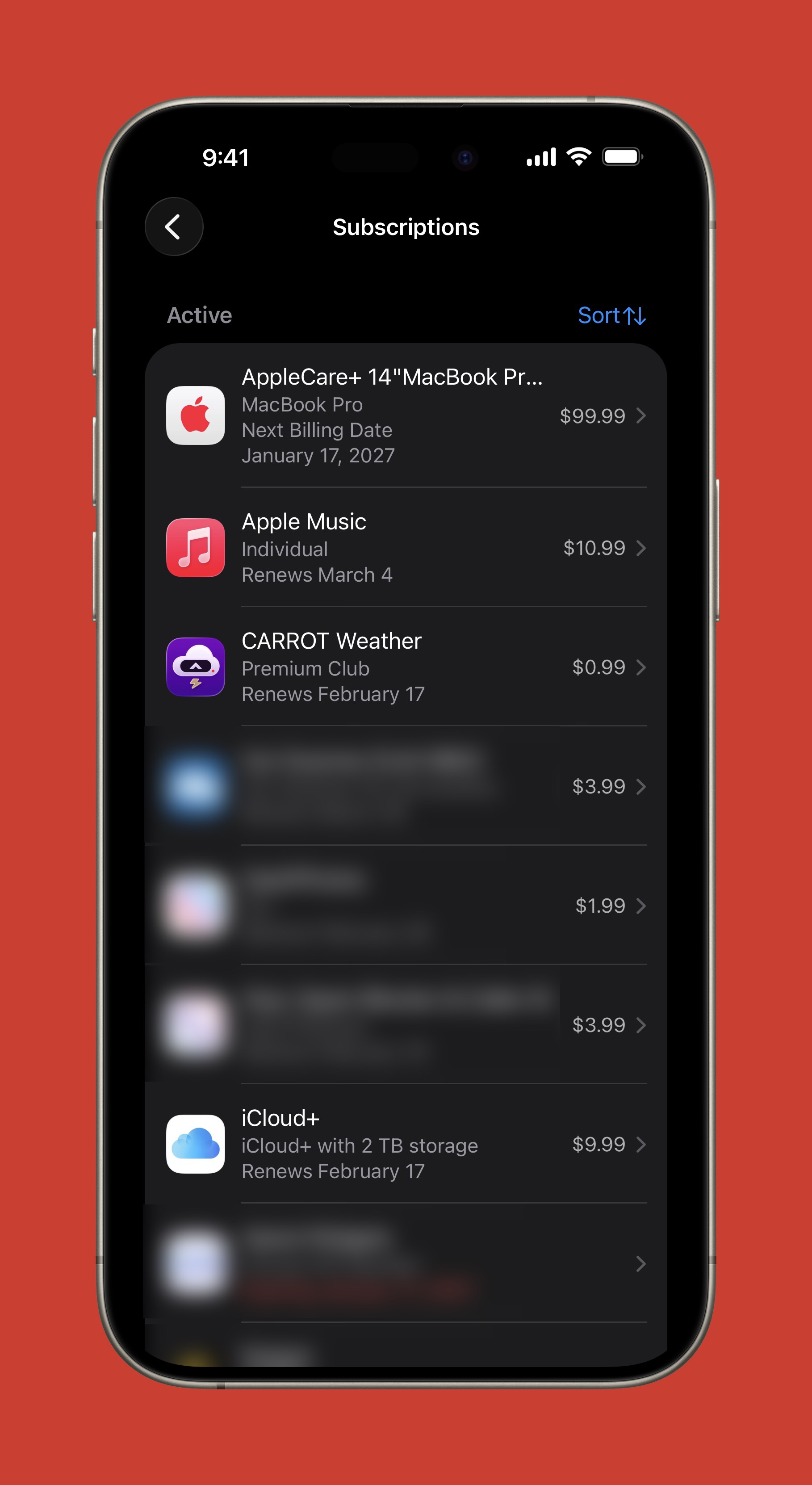
When you sign up for a free trial in an app, open the Control Center and tap “Cancel My Trial.” This will take you to **Settings App → Apple Account → Subscriptions** where you can immediately cancel your free trial.
Due to App Store policies, even if you cancel immediately after signing up, **you will not lose access to any features until your free trial expires.**
Screenshots
Information
Version:
1.0
Released:
Last Updated:
Comments
Start the conversation
No comments yet. Be the first to comment!







Please sign in to post comments.