

说明
## 人工智能聊天
**代码执行,谷歌搜索,语音/文本/PDF/文件/URL/图像/视频输入,以及与聊天管理器的交互。**
## 设置要求
**免费 API 密钥**
1. [Gemini API key](https://makersuite.google.com/app/apikey)
2. [Google TTS API key](https://www.youtube.com/watch?v=y_vQvAqgqgA) 请提供需要翻译的英文文本。
**iCloud 同步修复** 为了避免文件错误,请将“GeminiAPI”文件夹保存在 iOS 的“文件”应用或 macOS 的“iCloud 驱动器”中。
## 主要特点
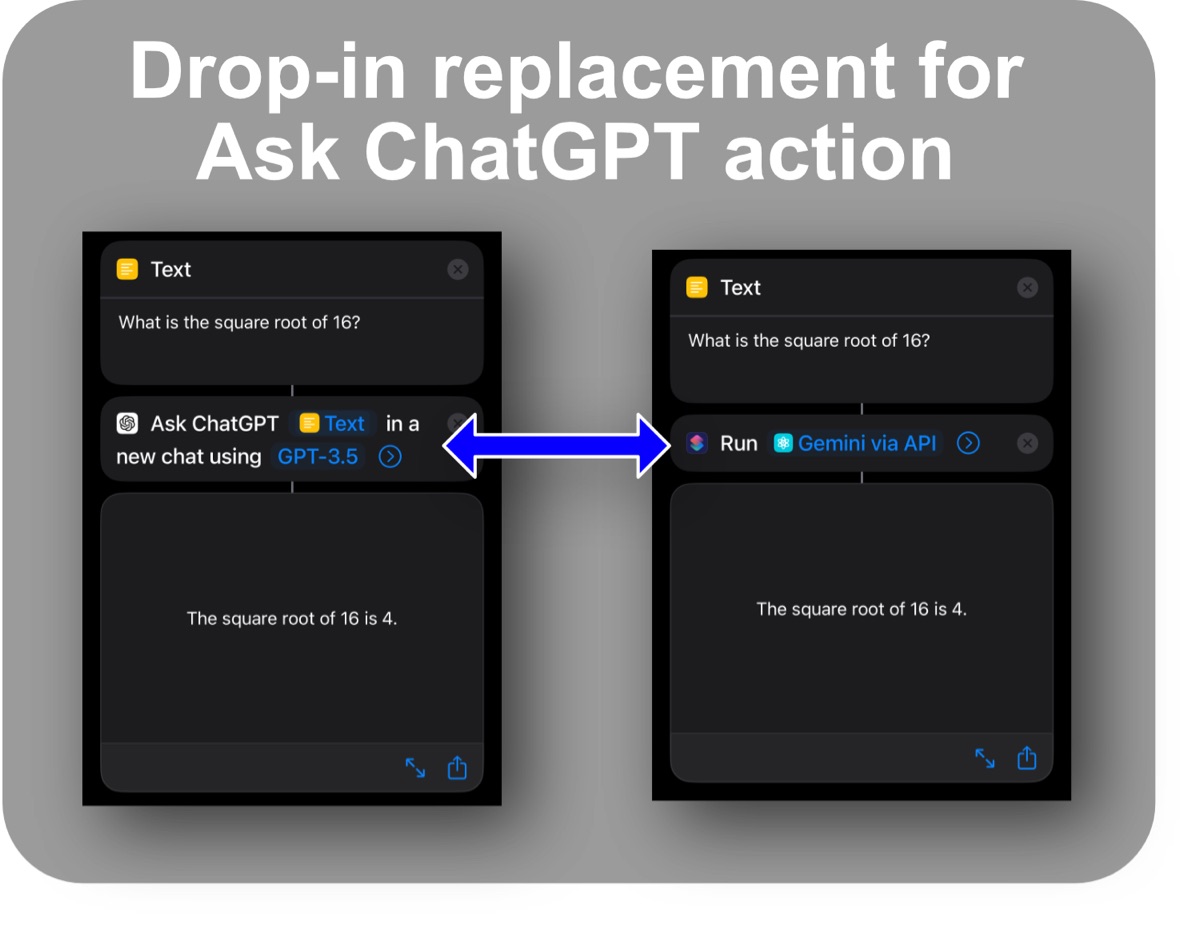
1. **便捷的ChatGPT替代方案** 独立运行
2. **[Google Search grounding](https://ai.google.dev/gemini-api/docs/grounding?lang=rest)** 为了更准确
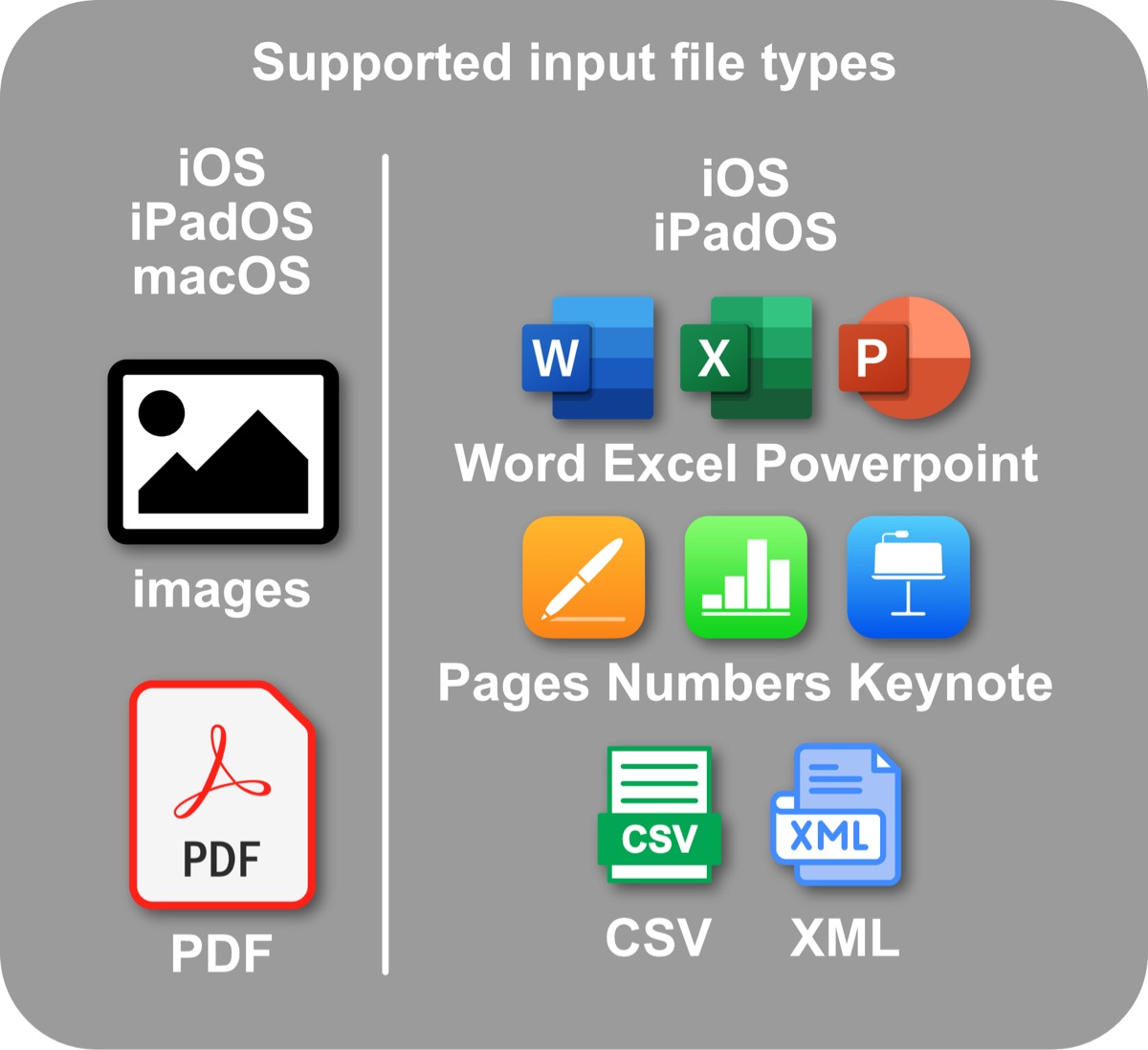
3. **文件支持** \(iOS/iPadOS\): Word、Excel、PowerPoint、Pages、Numbers、Keynote、XML、CSV、PDF
4. **语音/文本对话** 在所有平台/全平台
5. **设置菜单**快速访问 → “设置” 或直接说“设置”。
6. **系统提示** 与 {日期} 并且 {地点} 变量
7. **丰富的文本显示** 采用色彩主题
8. **会话记录** 到 `/Shortcuts/GeminiAPI`
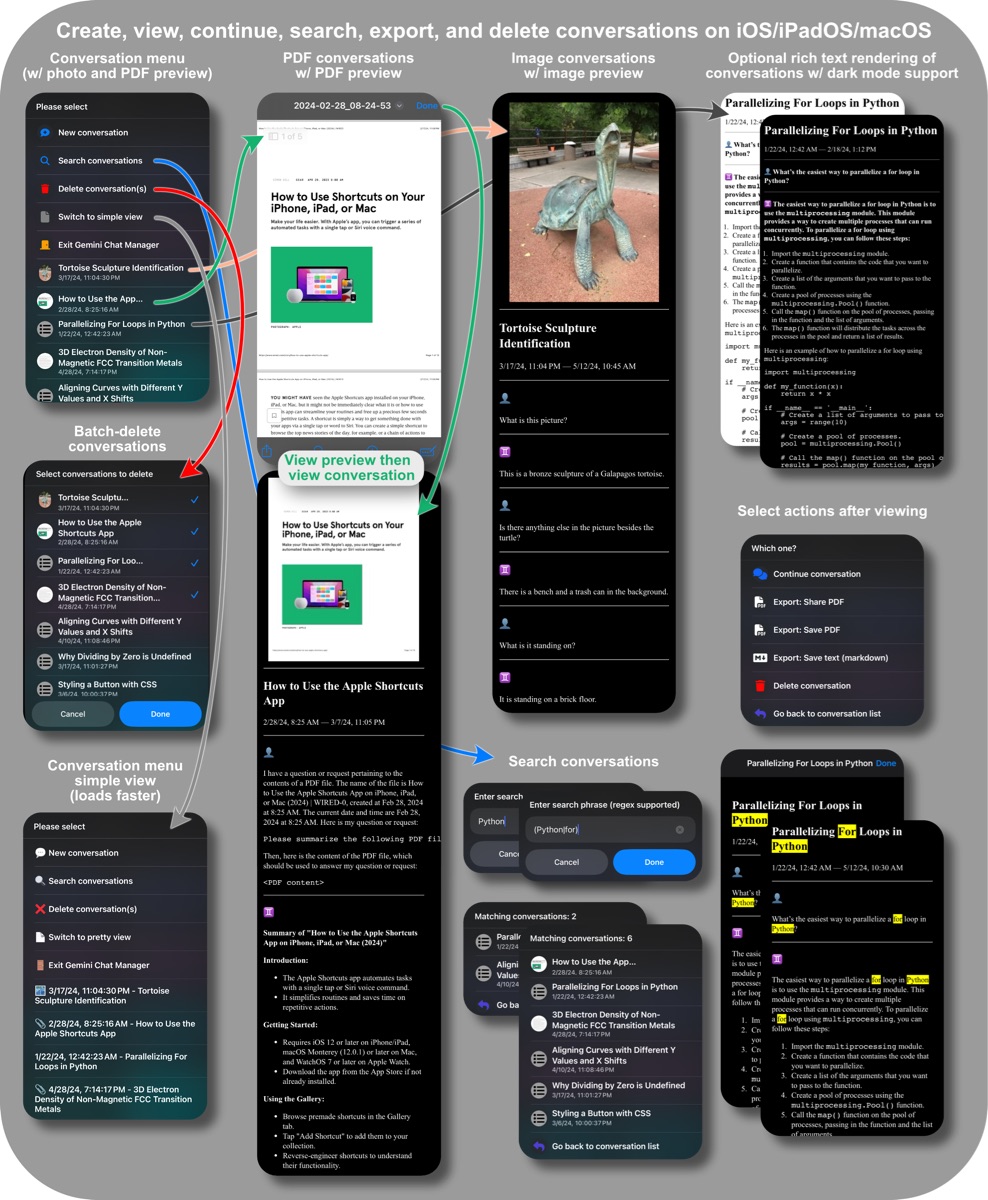
9. **聊天管理员** 用于查看/搜索/导出对话
10. **[Code execution](https://ai.google.dev/gemini-api/docs/code-execution?lang=python)** 启用 \(在设置中\)
## 输入/输出
**Please provide the English text you would like me to translate\. I need the original text to complete your request\.** 文本提示、图像、PDF、URL 或包含键的字典: `prompt`, `messages`, `image`, `model`, `temperature`, `apikey`, `repeat`, `speak`, `datetime`, `checkupdates`, `disablelogging`
**温度控制:** 前缀提示:“t 0\.9” 或 “temperature 0\.9”
**The quick brown fox jumps over the lazy dog\.** 词典 `output`, `messages`, `title`, `datetime`
## 相关快捷键
1. **[What is this?](https://routinehub.co/shortcut/17670/)** 快速图像描述
2. **[I have a question](https://routinehub.co/shortcut/17672/)** 语音对话
3. **[Gemini Chat](https://routinehub.co/shortcut/17883/)** 短信对话
4. **[Create calendar events](https://routinehub.co/shortcut/17699/)** 智能事件生成:从文本/图像中提取
截图
资料
版本 :
1.29.2
释放:
上次更新 :
应用 :

评论
1 注释
D








在 中签名,以张贴评论.