


Changelog
v1.2
Please update and fix – download to experience. Thank you.
Description
This shortcut has a single function: to extract all image links from a webpage. It filters out high-quality large images from low-quality small ones, allowing you to choose the images that best suit your needs.
You can name each topic you like and save it to a separate folder on iCloud for easy management.
You can download all images at once, save images, save links, share images, share links, and review images at any time.
Quick guide: When you are searching for images on Safari and need to download multiple images at once, tap the Share button and run this shortcut. The shortcut will automatically filter out high-quality main images and low-quality secondary images. Select the images you want to save — the image links will be selected simultaneously. After that, all you need to do is share or save them.
Download and try it out. If you have ideas for new features, please leave a comment. Thank you!
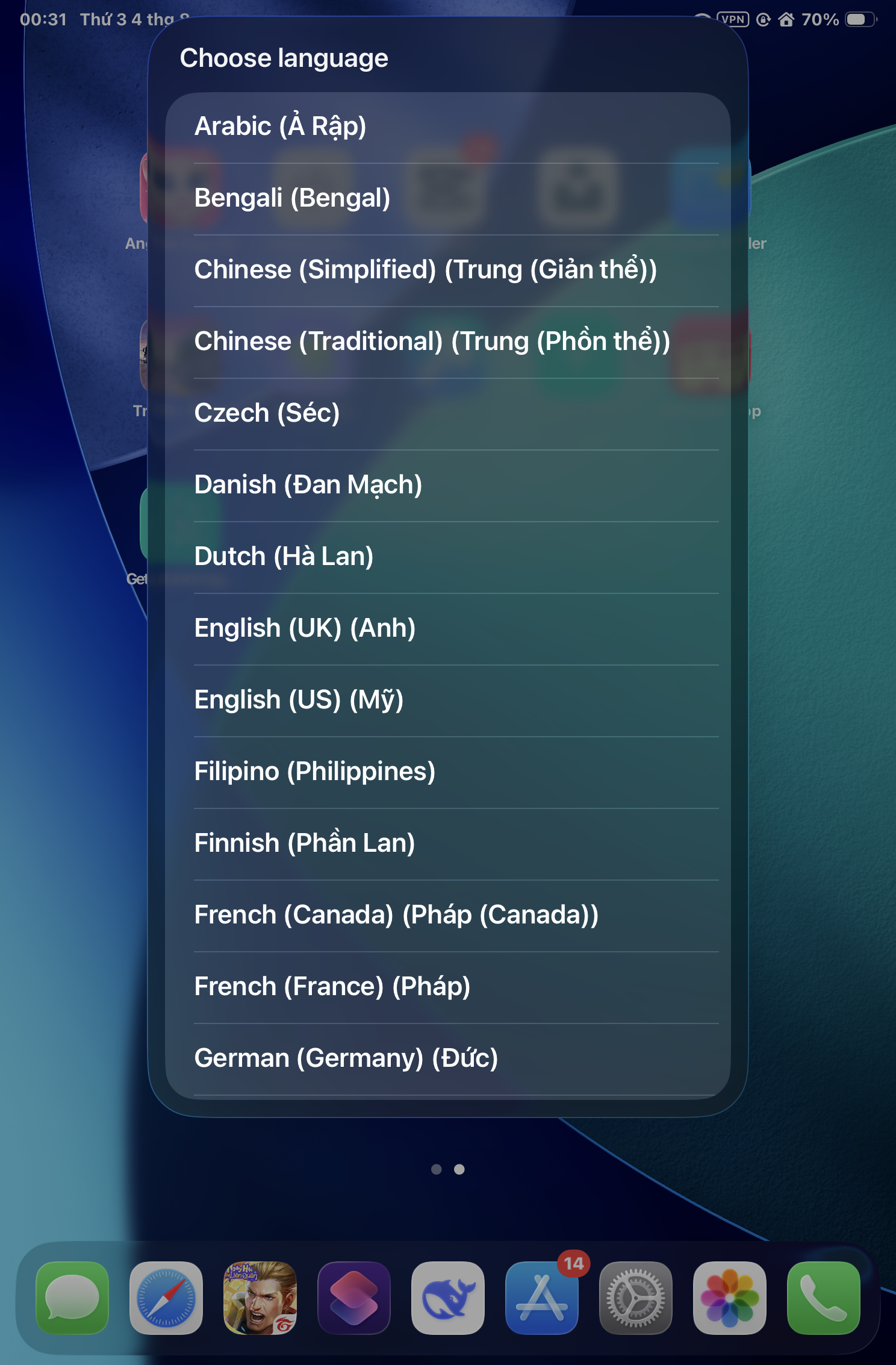
Screenshots
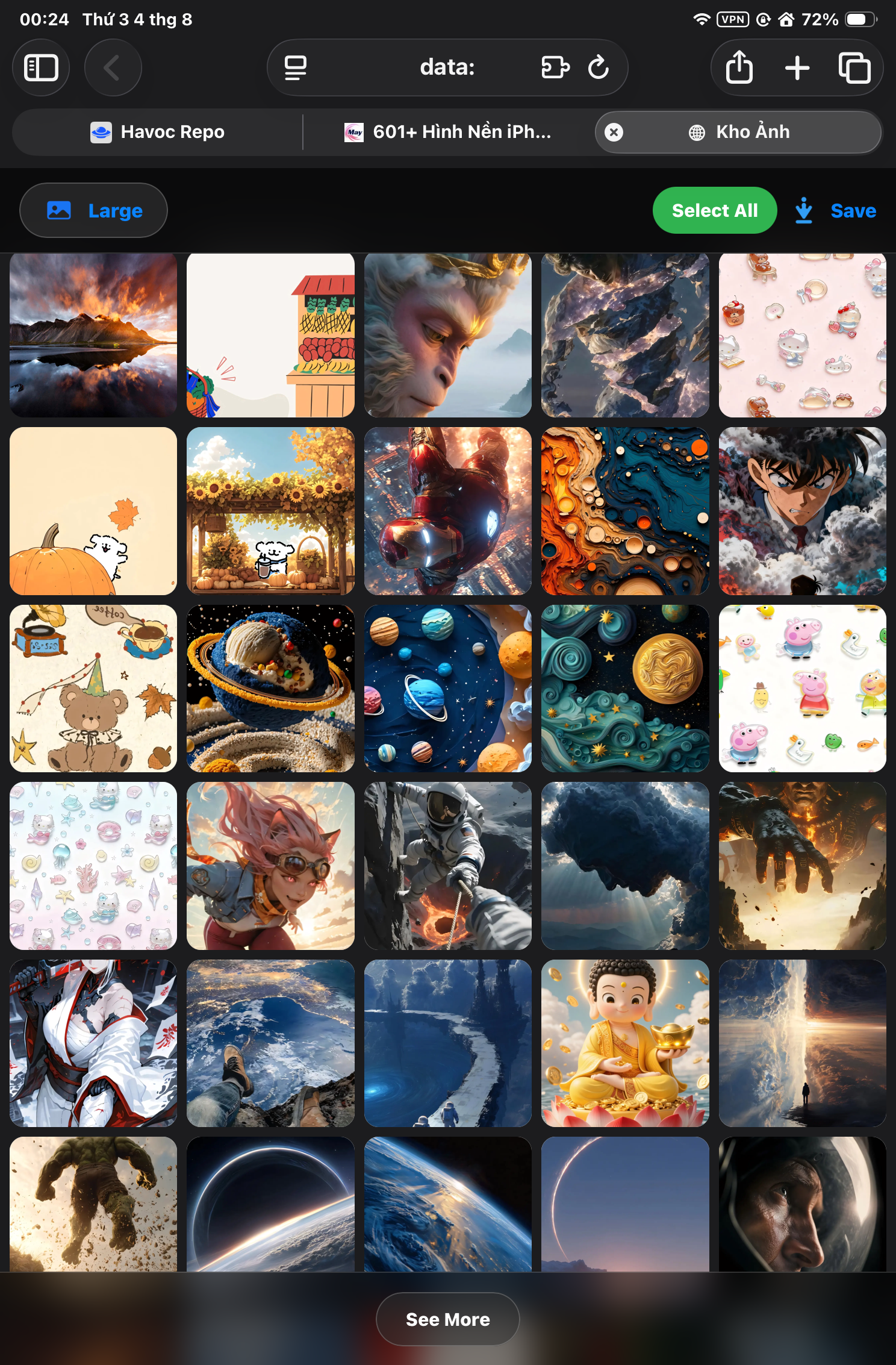
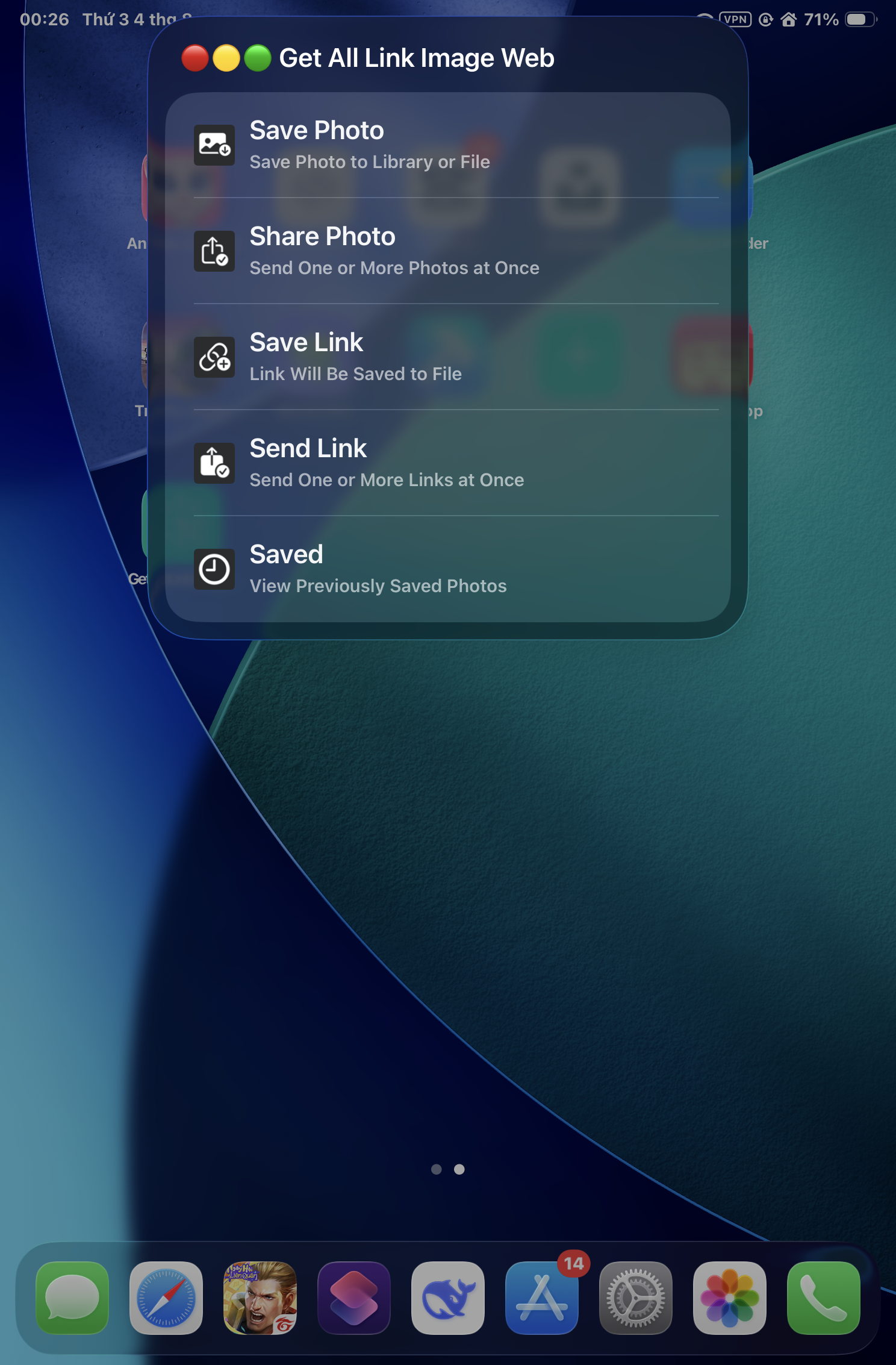
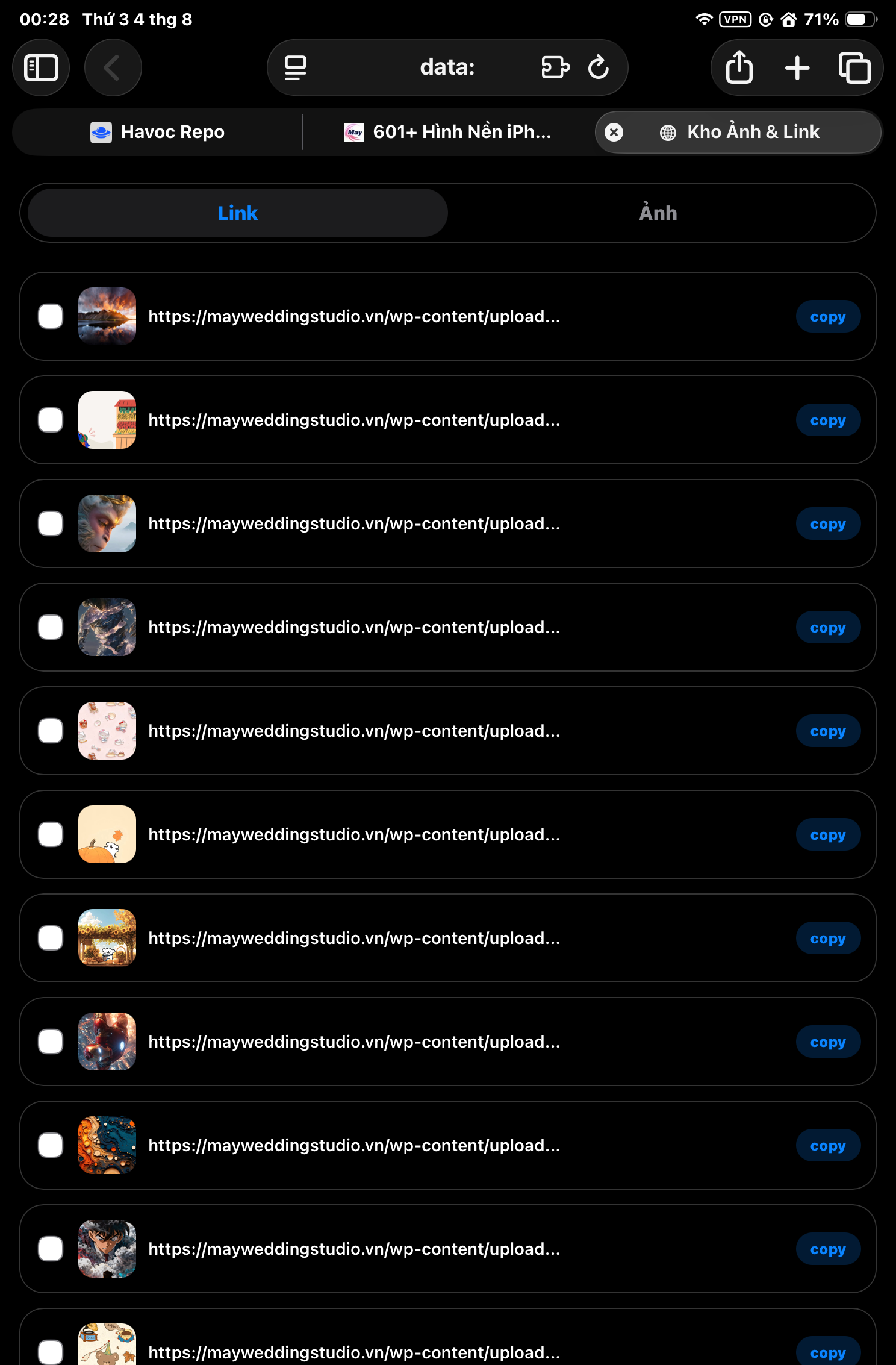
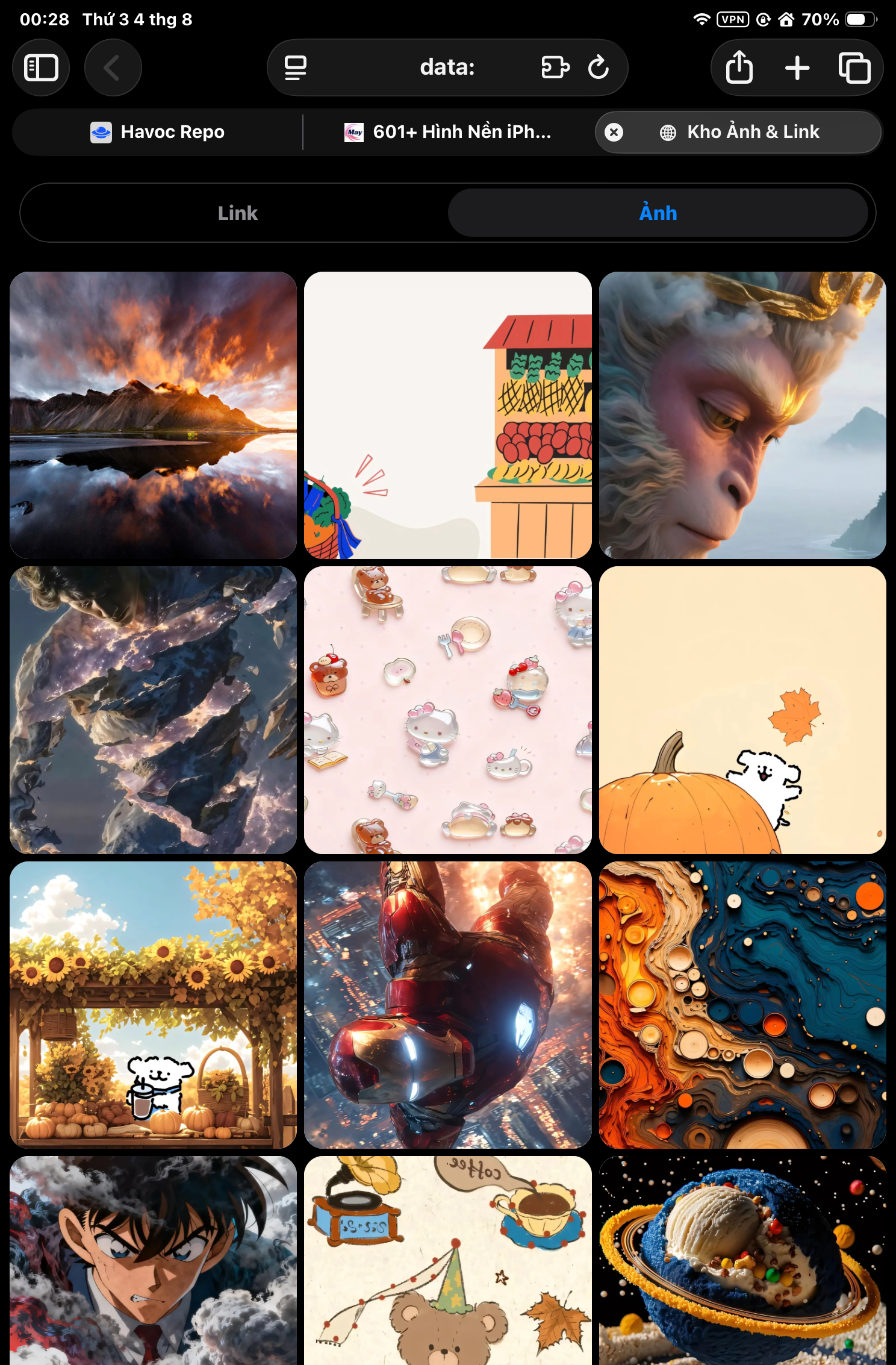
Information
Comments
Start the conversation
No comments yet. Be the first to comment!










Please sign in to post comments.