

Changelog
v1.6.1
Description updated
Description
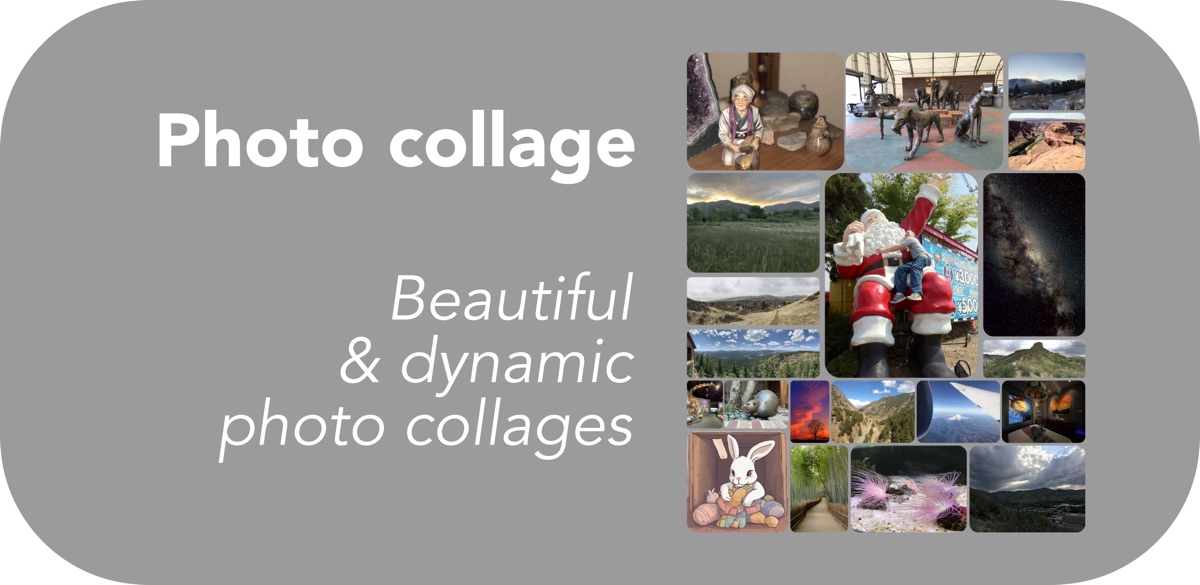
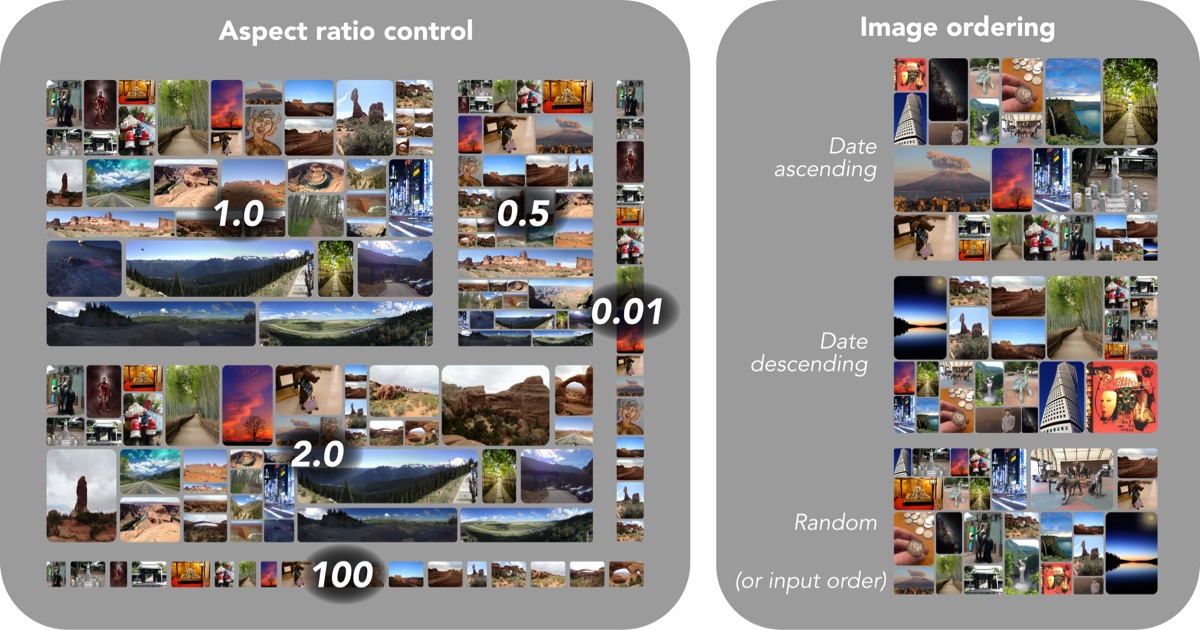
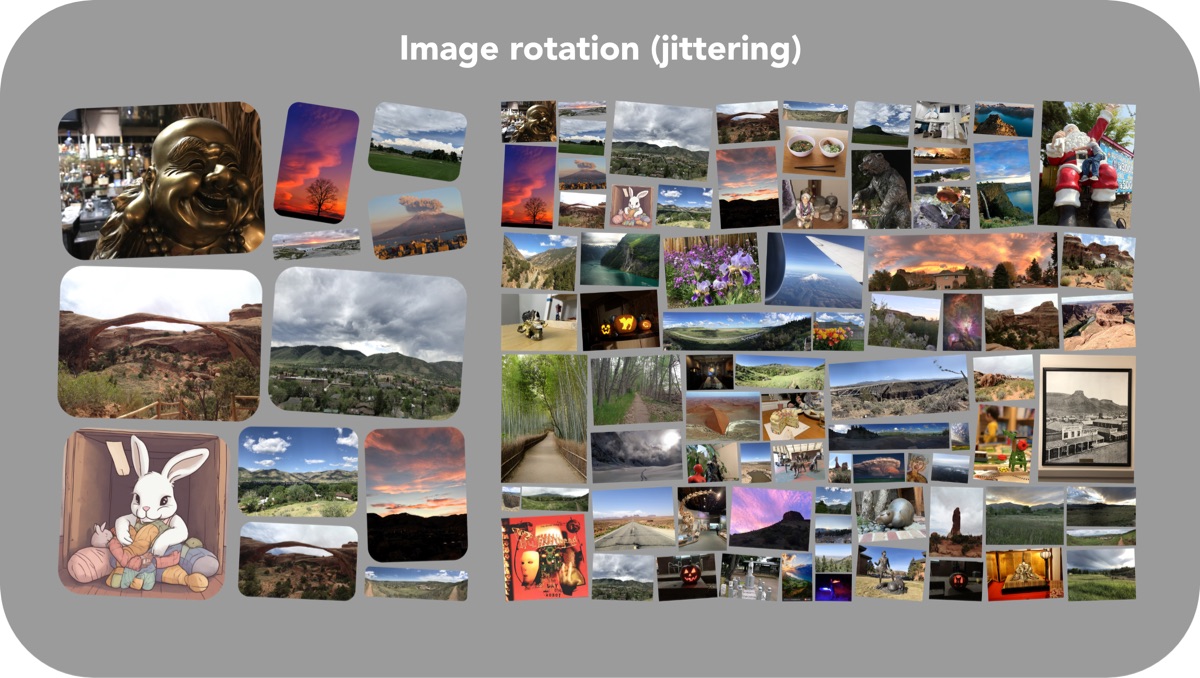
Beautiful, dynamic photo collages. Way beyond grid/horizontal/vertical!
## Notes/Limitations
- 100% native shortcut painstakingly adapted from my Python version, requires no other apps/shortcuts to run
- It's faster than it used to be, but you'll still have to wait a bit, up to 1-2 minutes or more, for larger collages (50+ images)
- If you want more speed, check out the Python and Pythonista (iOS) versions on my GitHub that run over 10X faster
- On iOS, Photo collage can fail if too much memory is used
- If this happens, use the included "Preprocess images" utility which creates downscaled copies of images in a new photo album, then rerun Photo collage with those images
- It will also run faster if preprocessing is done first
- Can run by sharing images from the Share Sheet (works better with Siri Shortcut than with Pythonista version)
- On macOS, sharing images from Photos to a Shortcut doesn't work (thanks, Apple....)
## Interface
1. Run the shortcut from within the Shortcuts app, from a widget, or using the Share Sheet to share photos directly from a photo app (Photos/Google Photos/etc)
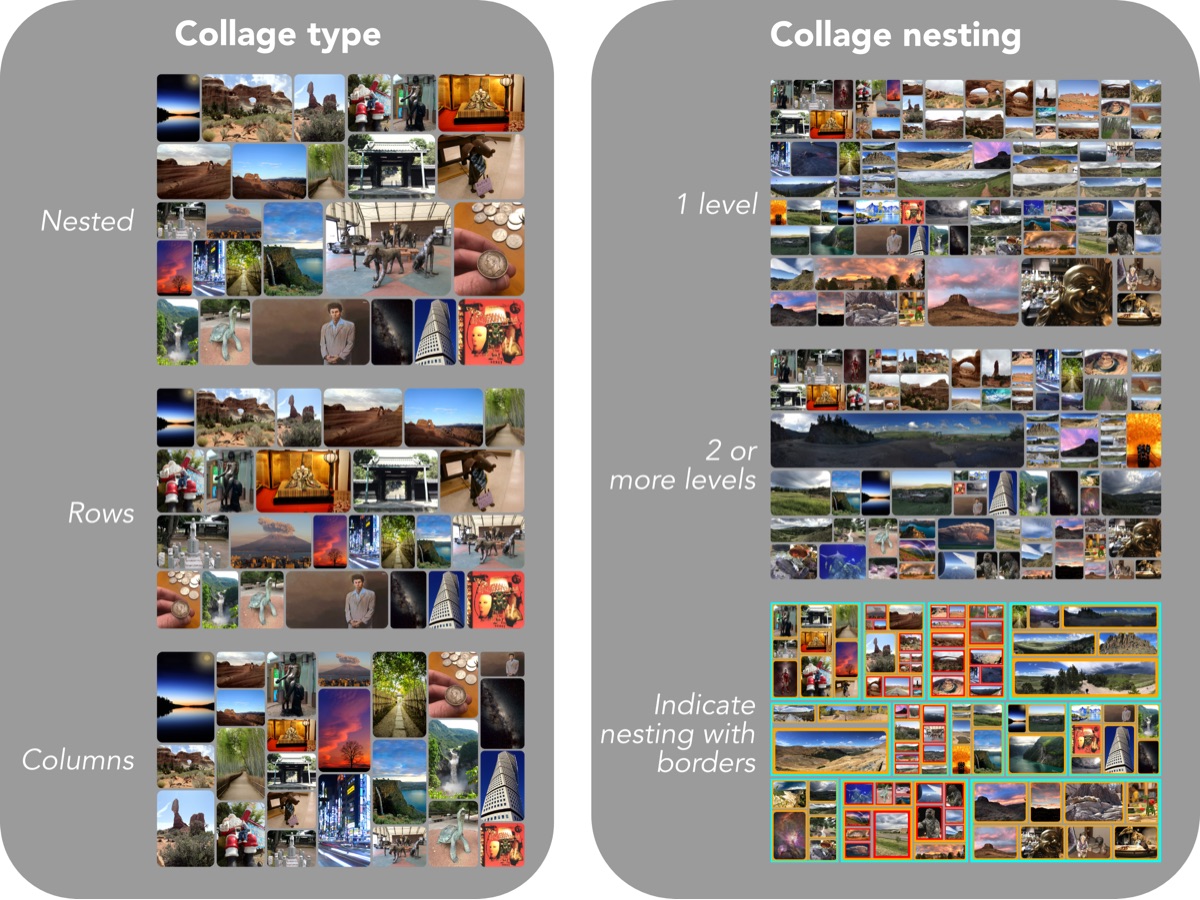
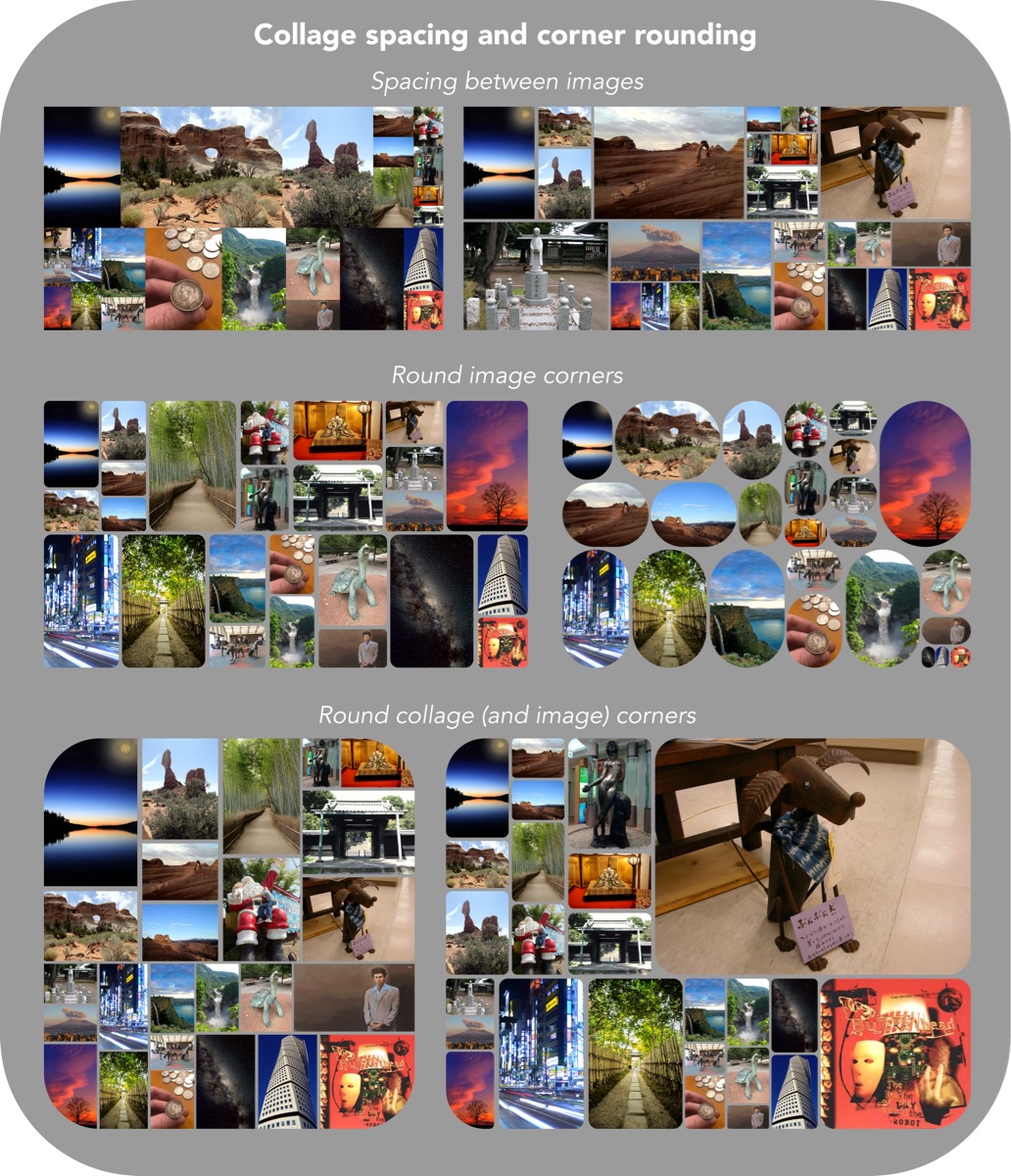
2. Select options for the collage and then select “Continue”
3. The collage will be generated and previewed, and you then have options to save and/or make a new collage from the same batch of selected images
- The shortcut supports using 1 or 2 levels of nesting. The reason to use more than one level of nesting is to get a more dynamic collage, and with greater size difference between the smallest and largest images in the collage.
Screenshots
Information
Version:
1.6.1
Released:
Last Updated:
Comments
Start the conversation
No comments yet. Be the first to comment!










Please sign in to post comments.