

Changelog
v1.1.0
Sharing URL updated
Description
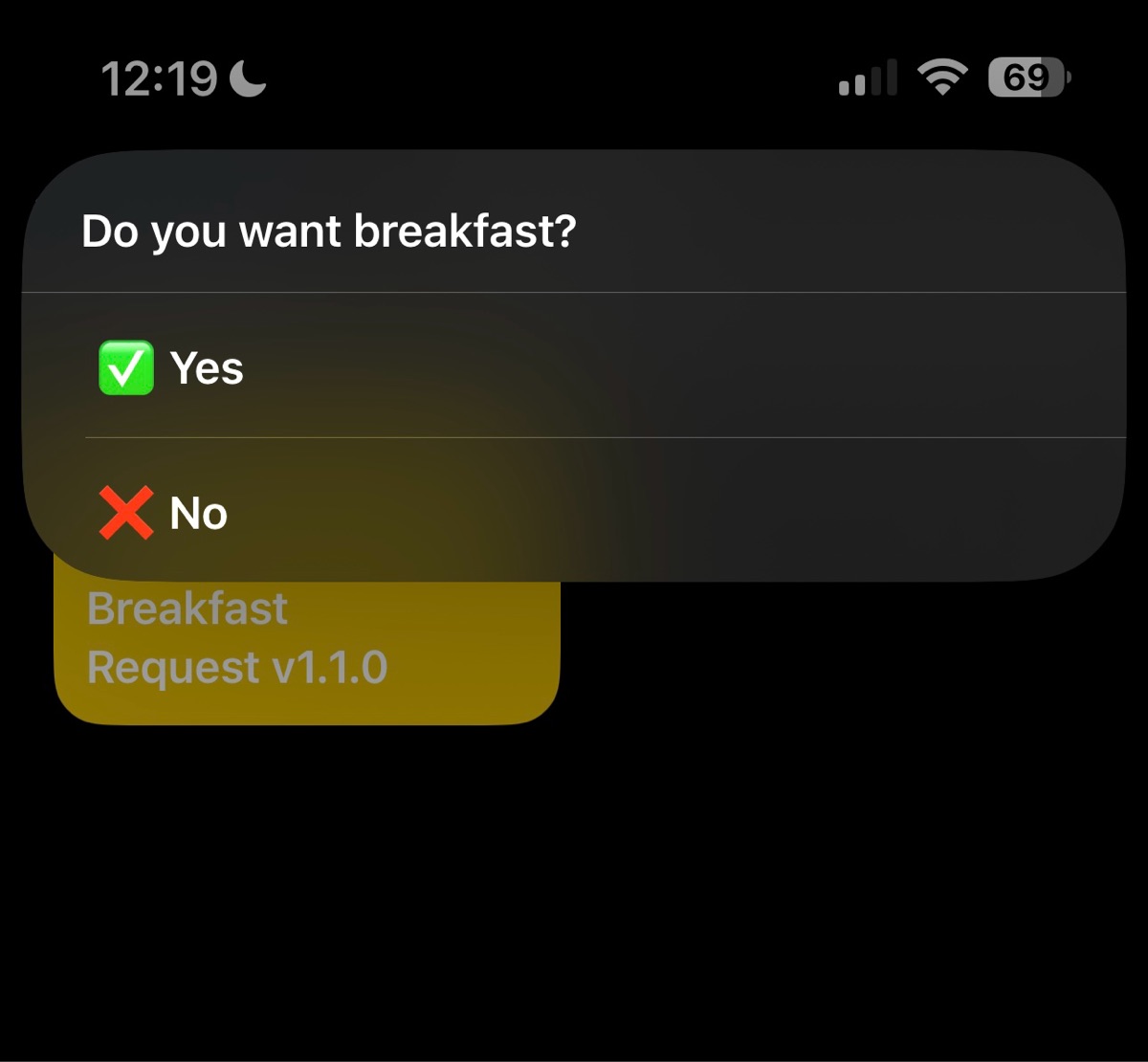
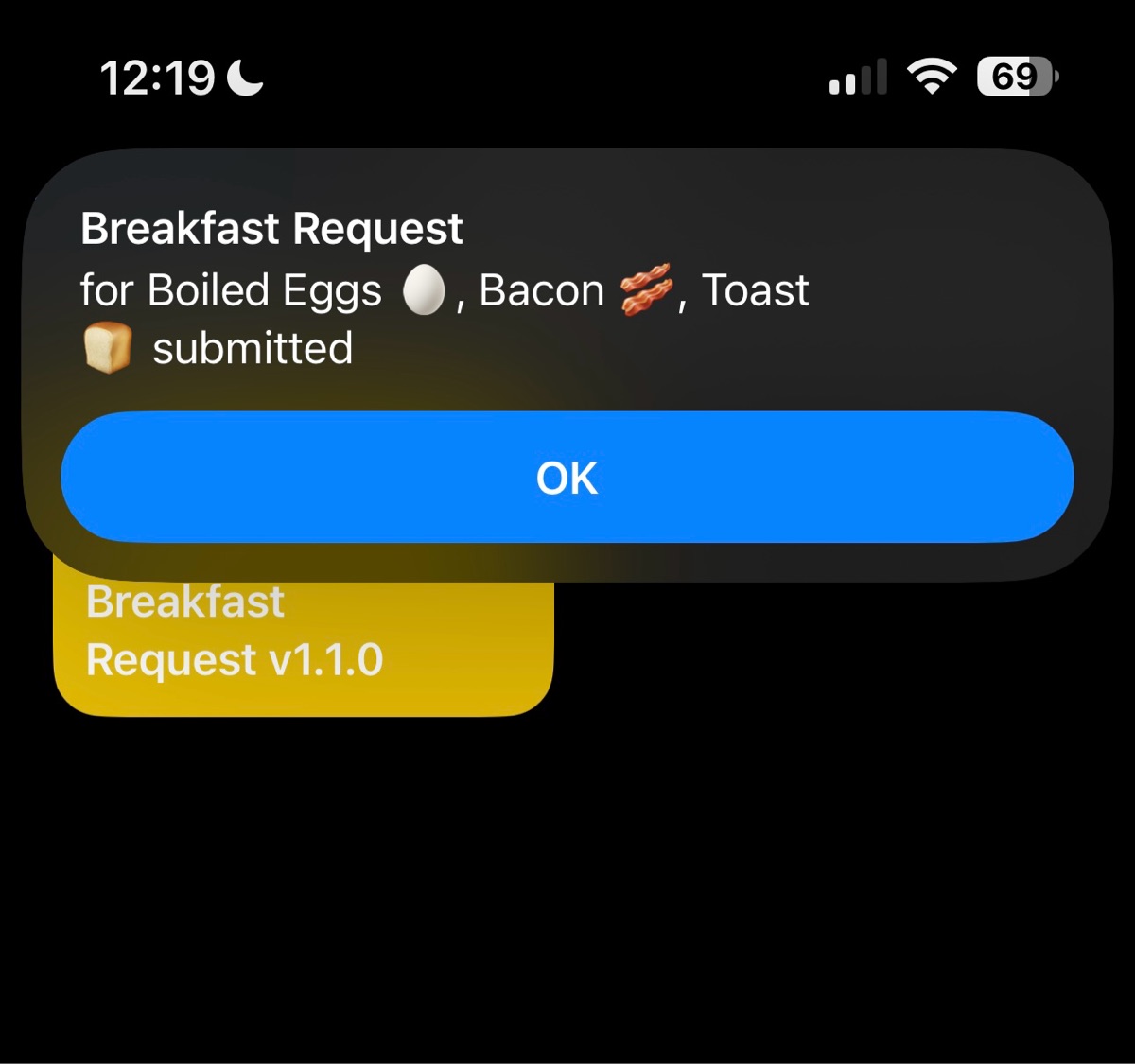
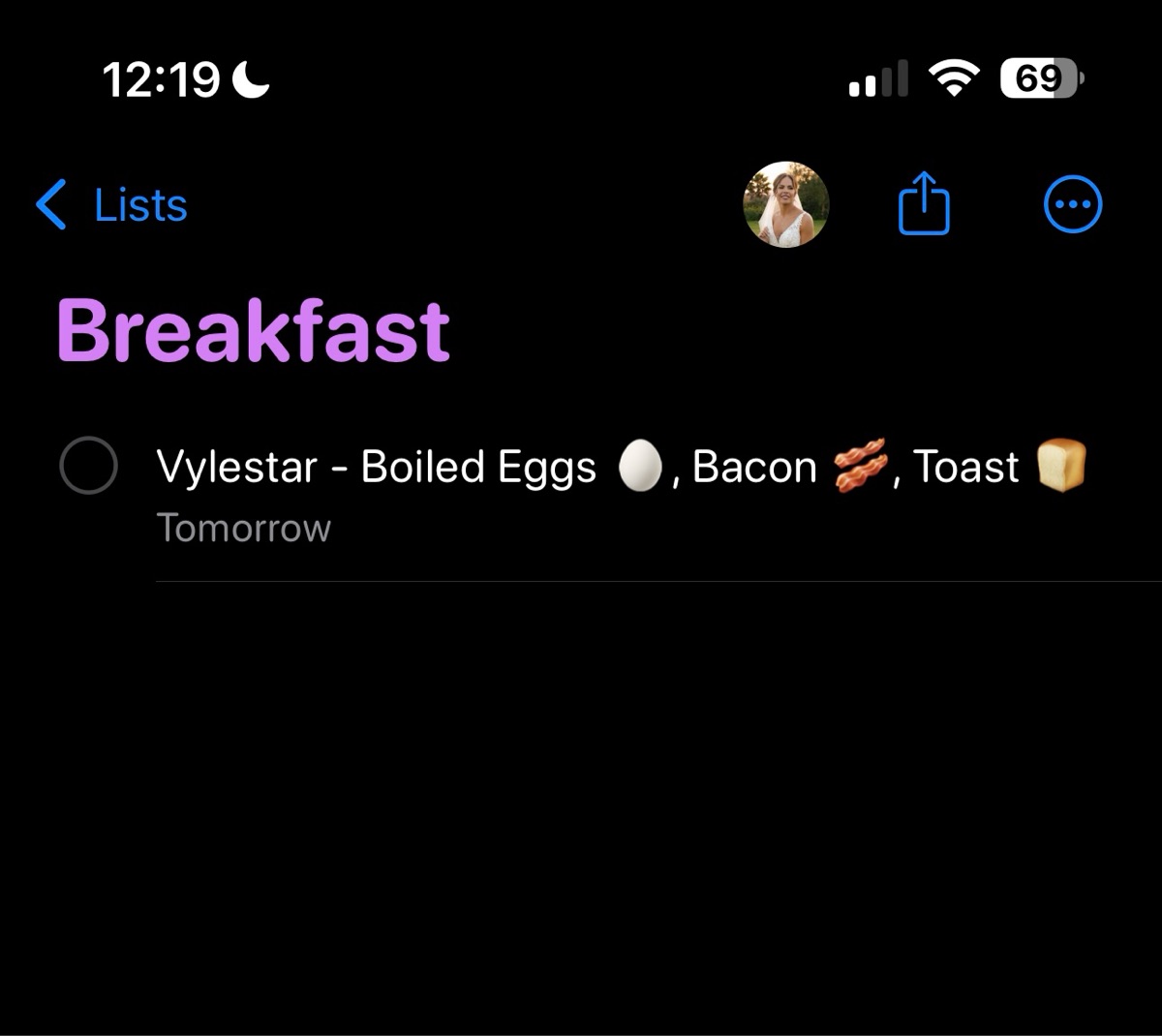
Never forget your family’s breakfast orders again! This shortcut makes it easy to collect breakfast requests from each household member. It's great for husbands/wives or for families that have children with phones. It allows users to choose from a dynamic menu and automatically saves the requests to a shared Reminders list for the next morning.
**⚙️ Setup Requirements**
1. Create a shared Reminders list called "Breakfast."
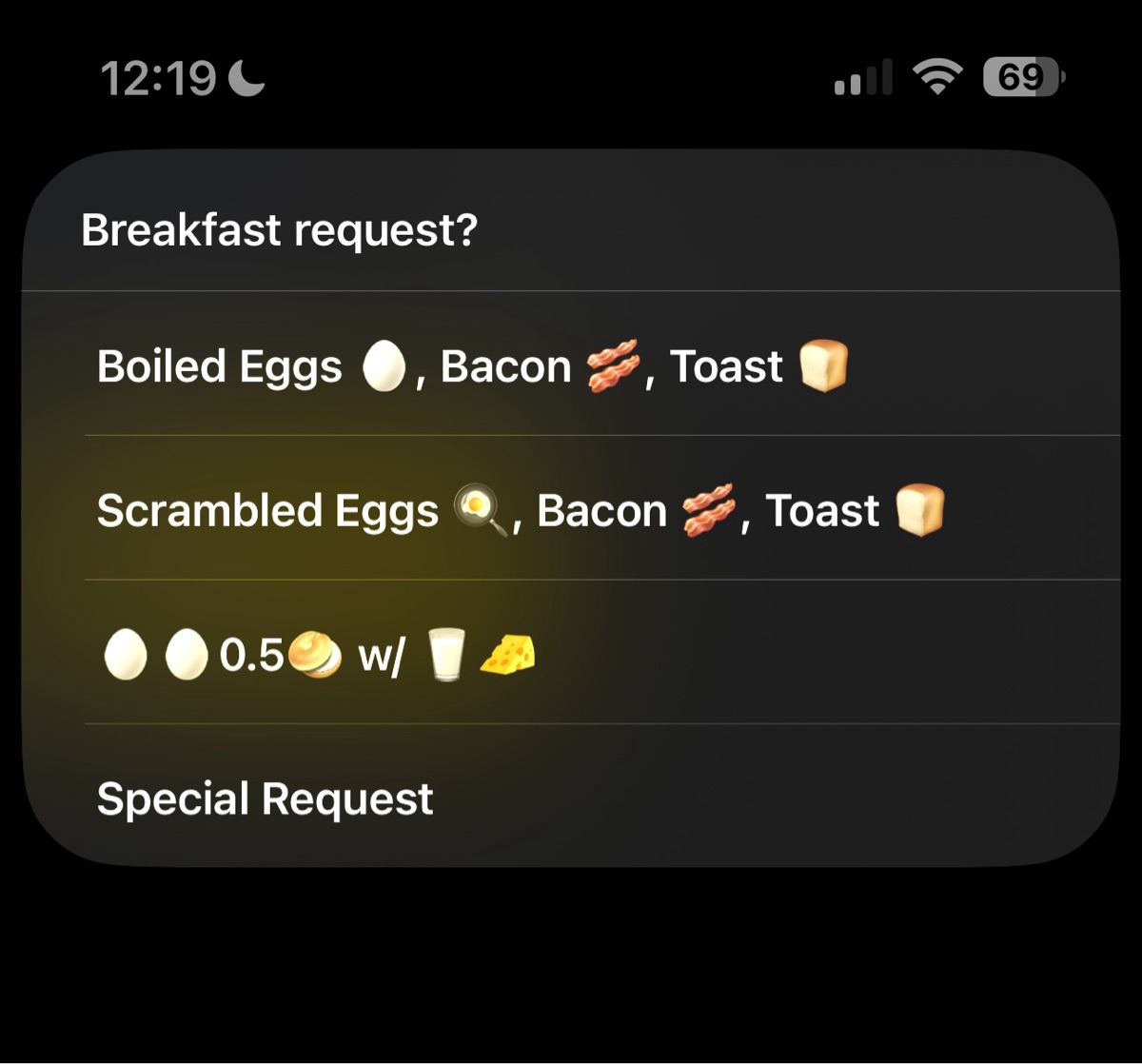
2. Create a shared Note called "Breakfast Request Menu." On separate lines, add your menu items. The last line of this note must be "Special Request."
3. Each household member must download and install the shortcut on their own device and be added to both the shared Reminders list and the shared Note.
(Optional) Add a time automation the night before to run the shortcut automatically and collect everyone's responses.
**✅ Why It's Useful**
1. Centralizes all requests into one easy list.
2. Dynamic menu allows you to change the breakfast options without editing the shortcut.
3. Saves morning stress and makes meal prep smoother.
4. Flexible for special requests outside the menu.
**📝 Summary of Updates (v1.1.0)**
This update introduces several new features to improve the shortcut's usability and flexibility:
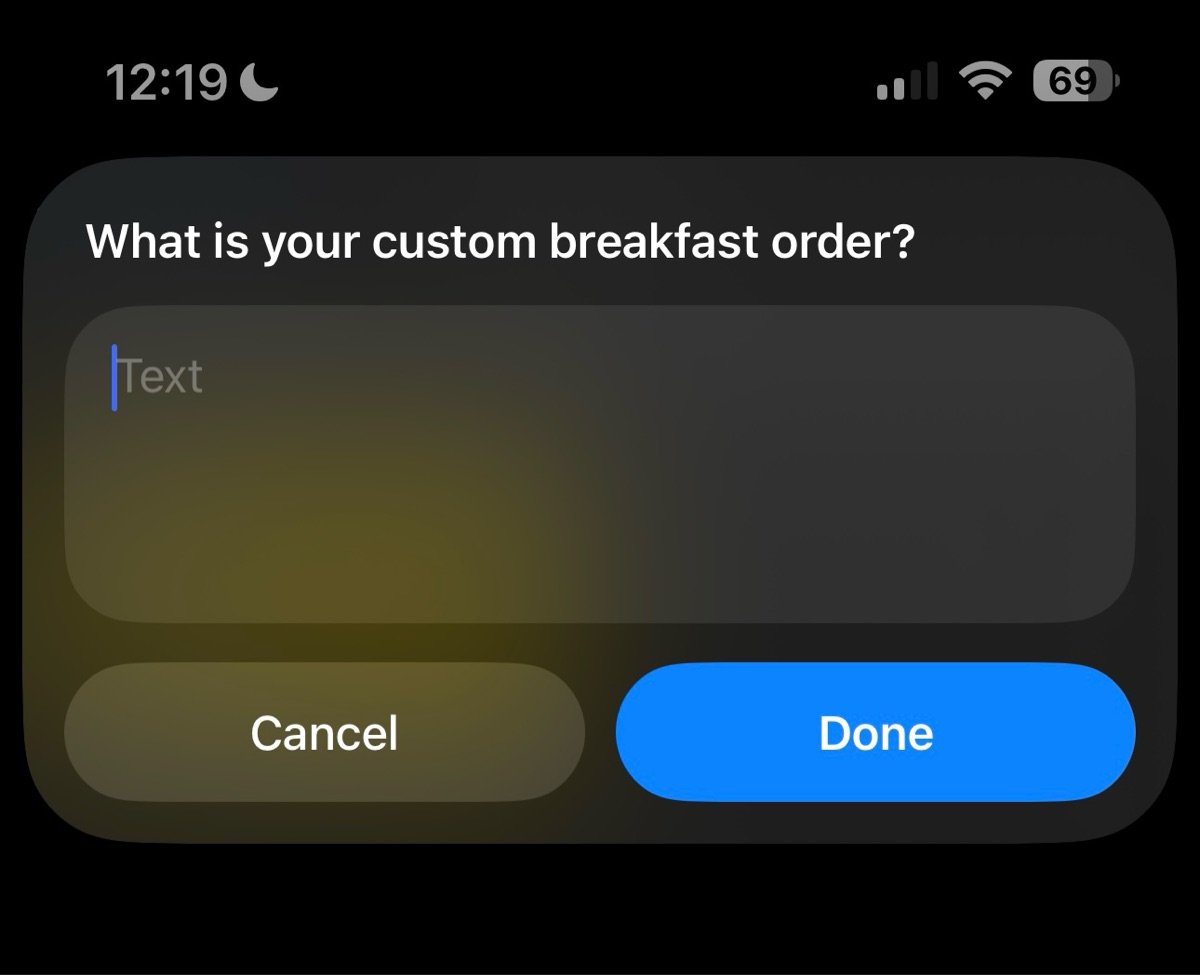
• Dynamic Menu: The shortcut now pulls breakfast options from a shared Apple Note called "Breakfast Request Menu." This allows you to easily update the menu without having to edit the shortcut itself. The last line must be "Special Request" to enable custom orders.
• Initial Setup: The first time a user runs the shortcut, it will automatically prompt them to enter their name, eliminating the need for manual setup.
• Version Check: A version check has been added to the shortcut, making it easier for users to ensure they have the latest update.
• Time-Based Requests: The shortcut is now time-aware. Any requests made after 12:00 PM will automatically be scheduled as due for the following morning.
Screenshots
Information
Version:
1.1.0
Released:
Last Updated:
Apps:

Comments
Start the conversation
No comments yet. Be the first to comment!







Please sign in to post comments.