


更改日志
v5.4.0
- 附件功能现在由应用程序处理,而不再依赖快捷方式。只需选择附件,然后继续您的请求。
- 转录功能现在由应用程序处理,而不是快捷方式。只需添加音频或视频文件,然后按照您的要求进行操作。
- 将之前的长按菜单替换为双击菜单。 双击一条消息,即可添加、复制或保存生成的媒体。
- 修复聊天区域中显示错误的链接。
- 添加了一个调试日志开关到设置中。
这主要是为了测试,我不建议启用它,因为这会增加文件的大小。
- 主要修复和改进。
说明
# Alpha 聊天
**流畅、高性能的iOS人工智能聊天界面。**
获得即时、自然的 AI,具备深度定制功能、图像支持以及无缝集成。
---
## ✨ 特点
- ⚡ **极速流媒体响应**
不再等待——当AI回复生成时,即可立即看到。!
- 🖼️ **智能图像分析**
直接在聊天中分析一张或多张图片——非常适合用于视觉解释或反馈。
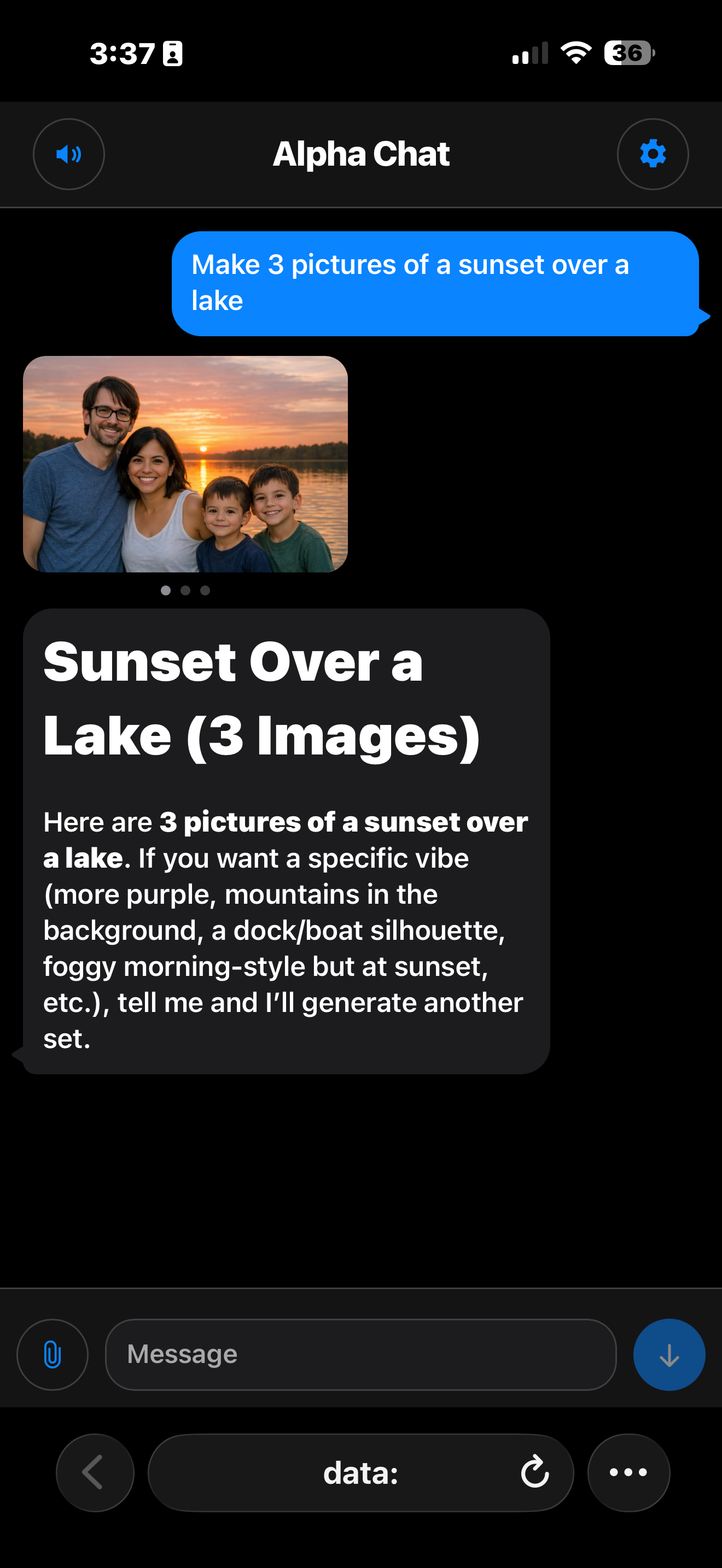
- 🎨 **人工智能图像生成与编辑**
使用聊天界面生成图像 **gpt\-图像家族** 或 **DALL·E 3**—只需轻点,即可切换图像引擎! 编辑图像 **gpt\-图像家族**!
- 🛠️ **强大的设置菜单**
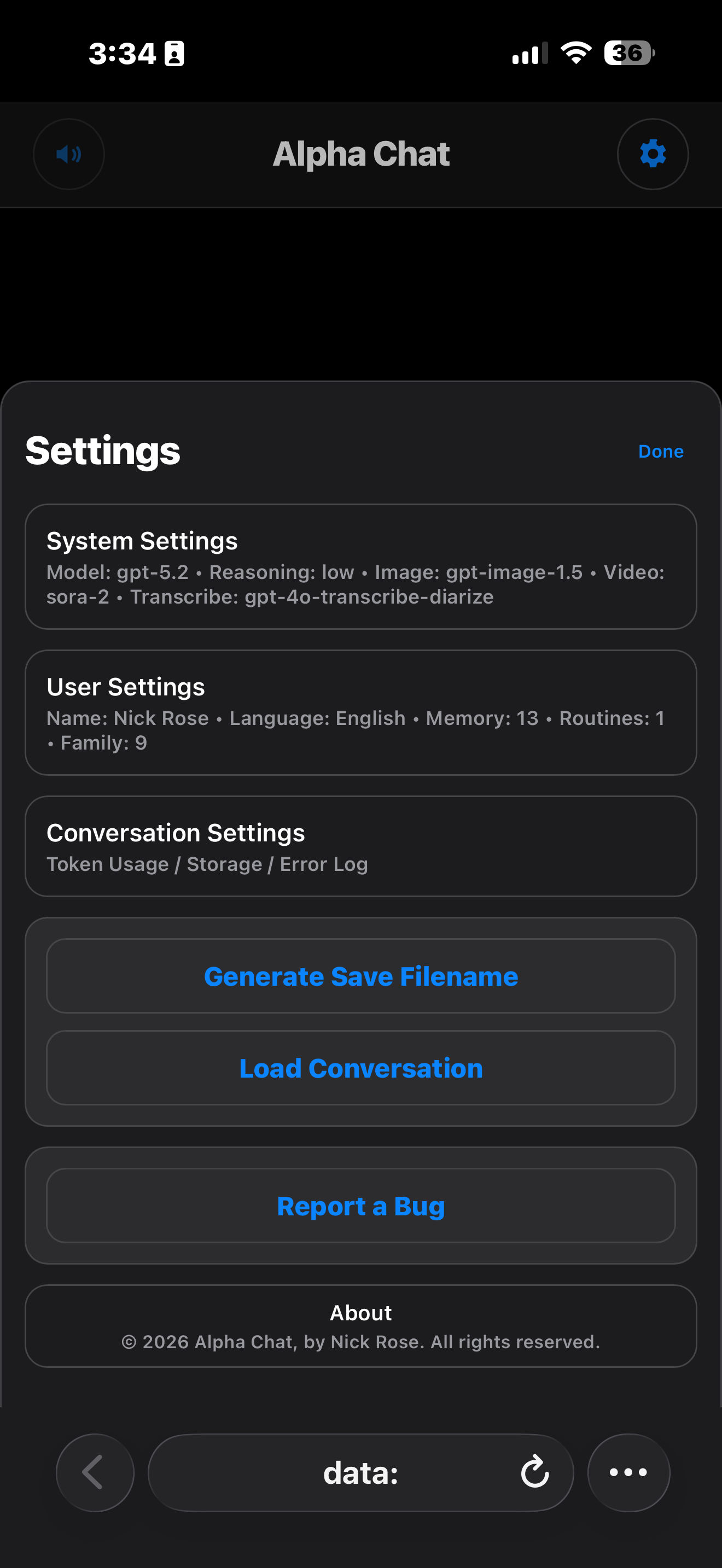
随时更改您的主要 AI 模型或图像模型,使用简洁、易用的设置菜单。
- 💾 **用双击保存回复或附件**
只需轻轻一按,即可将生成的回复、图像、视频或文件直接保存到您的设备上。
---
## 工作原理: 🚦
1. **需要您的 OpenAI 密钥。** 请准备好您的API密钥。
2. 启动 **阿尔法聊天 \(Ālufa liáotiān\)**
3. 请输入您的API密钥。
4. 使用文本、图像(用于分析或生成)、以及设置调整——在简洁流畅的界面中实现。
5. 双击 **复制**, **保存**或者, **附加** 根据需要。
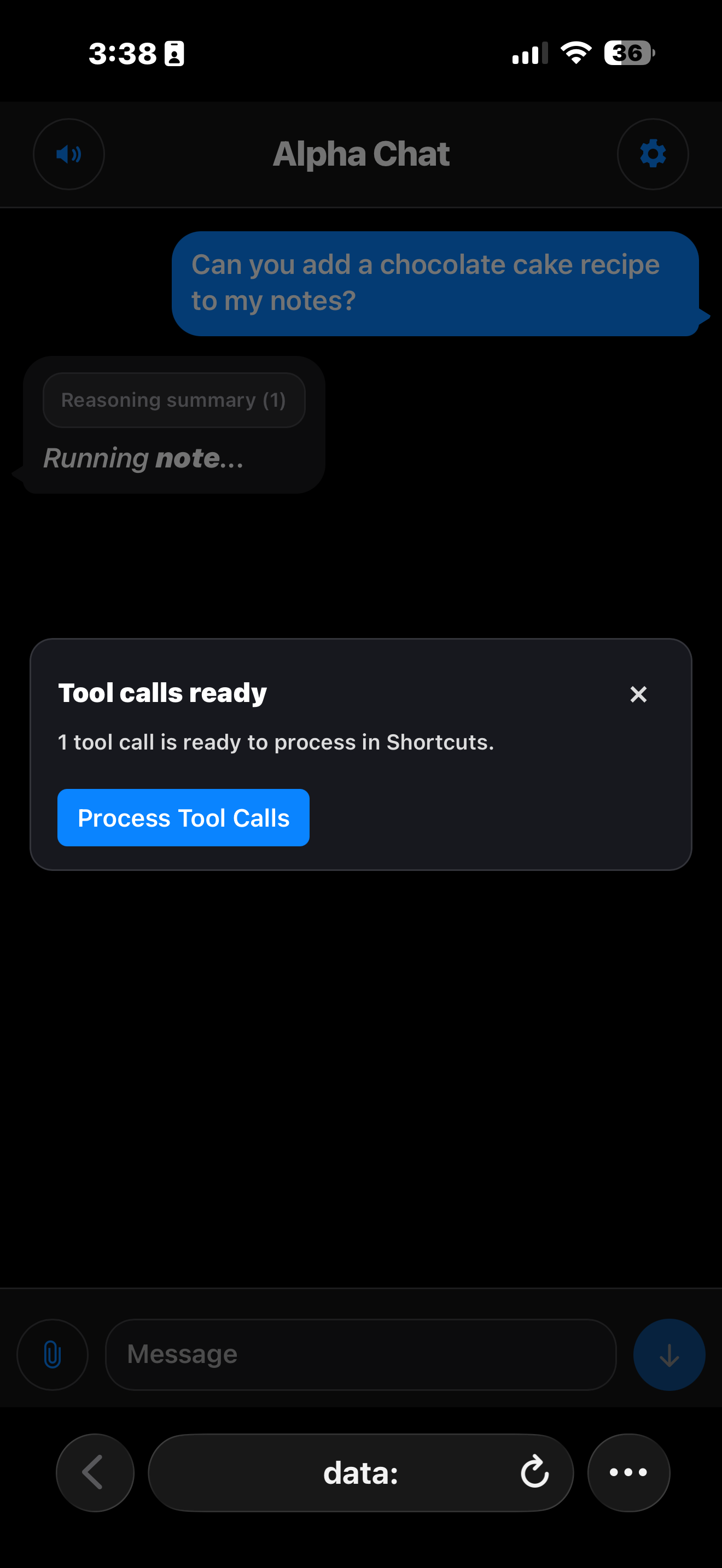
6. 非托管函数将使用快捷方式进行处理。
---
## ALPHA 功能概述
现在,函数可以相互交互,在上下文中进行操作。 多个指令可以连续执行,或者同时执行,流畅地完成。 例如:
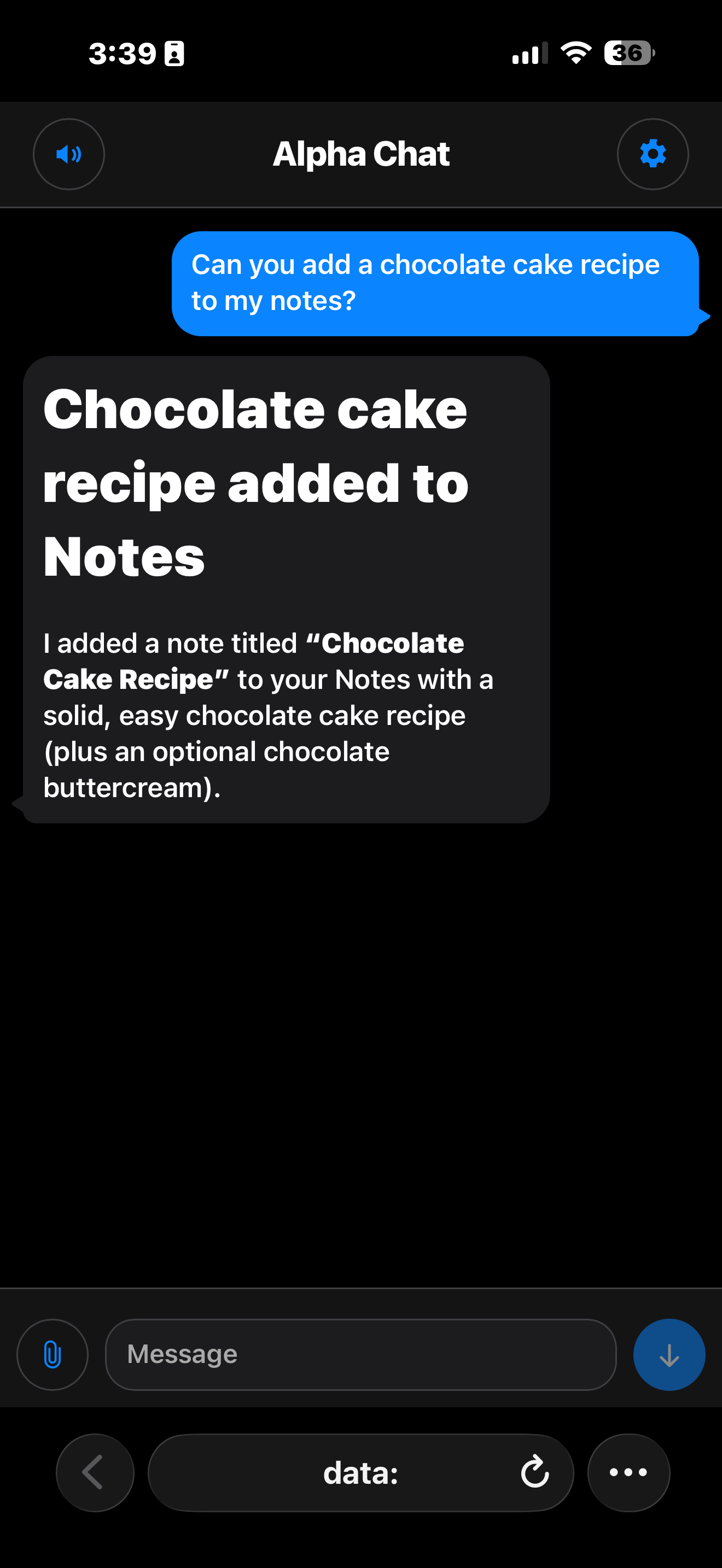
*记录一份蛋糕食谱。* 然后 *请再做一个,用于饼干食谱。* 或 *为蛋糕食谱和饼干食谱做记录。*
以下是每个实用 Alpha 函数的详细说明:
### 多媒体功能
- **PICTURE:** Generate AI-created images stored under `iCloud Drive > Shortcuts > Alpha > Alpha Pictures`.<br>
__HOW TO:__ “Make a picture of a cat playing baseball.”<br><br>
- **PICTURE EDIT:** Attach images from either the File or Photo app and ask for edits. Edits are stored under `iCloud Drive > Shortcuts > Alpha > Alpha Pictures`.<br>
__HOW TO:__ Use the Attachments button.<br><br>
- **VIDEO:** Generate AI-created videos stored under `iCloud Drive > Shortcuts > Alpha > Alpha Videos`.<br>
__HOW TO:__ “Make a 4 second video of a dog playing with a ball.”<br><br>
- **TRANSCRIBE:** Record audio or select existing media for transcription.<br>
__如何:__ 我需要您将我录制的讲座进行转录,并回答其中所有的问题。
### 😎 个人助手功能
- **APP STORE:** Find new apps.<br>
__HOW TO:__ "I need a new calculator app."<br><br>
- **CALENDAR:** Quickly add appointments.<br>
__HOW TO:__ "I have a doctors appointment on Thursday at 2:30, add it to my calendar."<br><br>
- **EMAIL:** Generate professional emails, beautifully completed.<br>
__HOW TO:__ “Email Steve and tell him we have a meeting tomorrow at 11 am.”<br><br>
- **MESSAGE:** Create artfully constructed SMS texts.<br>
__HOW TO:__ “Text Steve and see what he’s up to.”<br><br>
- **REMINDER:** Easily create reminders.<br>
__HOW TO:__ "Set a reminder to pay the electric bill on Thursday at noon."<br><br>
- **SCHEDULE:** Quickly see upcoming events.<br>
__HOW TO:__ "Check my schedule for the next two weeks."<br><br>
- **NOTE:** Store important notes.<br>
__HOW TO:__ “Make a note for a chocolate chip cookie recipe”<br><br>
- **JOURNAL:** Nicely formatted journal entries.<br>
__HOW TO:__ "Summarize everything we discussed and add it to my journal."<br><br>
- **ITINERARY:** Organize detailed travel schedules.<br>
__HOW TO:__ “Make an itinerary for a day trip to San Francisco tomorrow. I want to arrive at 9 am and I will need some breakfast and I want to visit the piers at some point.”<br><br>
- **TIMER:** Set convenient alarms and timers.<br>
__HOW TO:__ "Set a timer for 45 minutes"<br><br>
- **WALLET:** Instantly send or request payments.<br>
__如何:__ 把20美元发给史蒂芬。
### 🎧 娱乐与媒体功能
- **PLAYLIST:** Generate personalized Apple Music playlists.<br>
__HOW TO:__ “Make a playlist for a relaxing drive home.”<br><br>
- **SONG (PLAY & IDENTIFY):** Play or identify current songs from Apple Music.<br>
__HOW TO:__ “Can you play Yellow Submarine by the Beatles?"<br>
__HOW TO:__ "What song is playing?"<br><br>
- **PODCAST:** Instantly find and play podcasts.<br>
__如何:__ 我正在寻找一个关于钓鱼的播客。
### 功能函数
- **CODING:** Easily write or refine code in different languages. Code blocks will have individual copy buttons.<br>
__HOW TO:__ "Write some python code for a simple pong game."<br><br>
- **CODE INTERPRETER:** Generate files or run code in a sandbox. Files will be saved to `iCloud Drive > Shortcuts > Alpha > Alpha Files` <br>
__HOW TO:__ "Make a graph of the top 10 grossing movies of all time."<br><br>
- **WEATHER:** Discover weather forecasts anywhere worldwide.<br>
__HOW TO:__ “How's the weather looking in Reno this weekend?”<br><br>
- **WEB SEARCH:** Quickly find answers from the web for up-to-date queries.<br>
__HOW TO:__ “What was the score of the last Lakers game?”<br><br>
### 社交媒体功能
- **TWEET:** Quickly compose Tweets with added visual appeal.<br>
__如何:__ 请分享你的最新回复。
## 附件
The following functions support attachments, just tell Alpha to add a photo or file after your request:<br><br>
- **EMAIL**<br>
- **JOURNAL**<br>
- **MESSAGE**<br>
- **NOTE**<br>
- **PICTURE**<br>
- **REMINDER**<br>
- **VIDEO**<br>
- **推文**
---
## 🏆 为什么选择 Alpha Chat?
- iOS 上,最快速、最个性化的 AI 聊天体验。
- 如果您已经使用“Alpha”,您的所有设置都会随您一同移动。
- 无论是视觉效果还是文字、代码或创意,一切都触手可及。
- 简洁直观的控制方式,让您掌控您的AI助手。
---
**升级您的便携AI聊天。
获取 Alpha 聊天,与你迄今为止最智能、最具视觉化的助手对话。!**
截图
资料
评论
开始谈话
还没有评论。 成为第一个评论者!









在 中签名,以张贴评论.