


変更履歴
v11.1
New models updates
コンテンツ
# ✨ Meet **Vector** — The AI That Actually *Gets Things Done* ✨
> *"AI that gets things done."*
> *— Vector's first words to you.*
---
## 🚀 A New Era of Personal AI Is Here
Imagine opening your phone, saying a single sentence, and watching an intelligent agent do **everything** you asked — in seconds, across every app you own, in your own voice, with your own personality in mind.
That's not a dream. That's **Vector**.
Vector is a **next-generation AI agent built entirely inside an Apple Siri Shortcut** — a 690-action, 598 KB powerhouse of intelligence that lives on your iPhone, ready whenever you are. No bloated app. No subscriptions locked behind a paywall. Just you, talking to an AI that *actually listens*.
Welcome to the future of personal computing. Welcome to **Vector**.
---
## 👋 Say Hello. For Real.
When you first launch Vector, you're not dropped into a sterile chat window. You're *greeted*.
> **"Welcome to Vector."**
Then a warm introduction scrolls up your screen:
- Send messages and emails
- Set timers and alarms
- Create notes and remember things
- **See your screen.**
- Show you in-app things, open apps, and open URLs
- Send WhatsApp messages, run shortcuts, get directions, and integrate with other apps
- **Generate images** with a single sentence
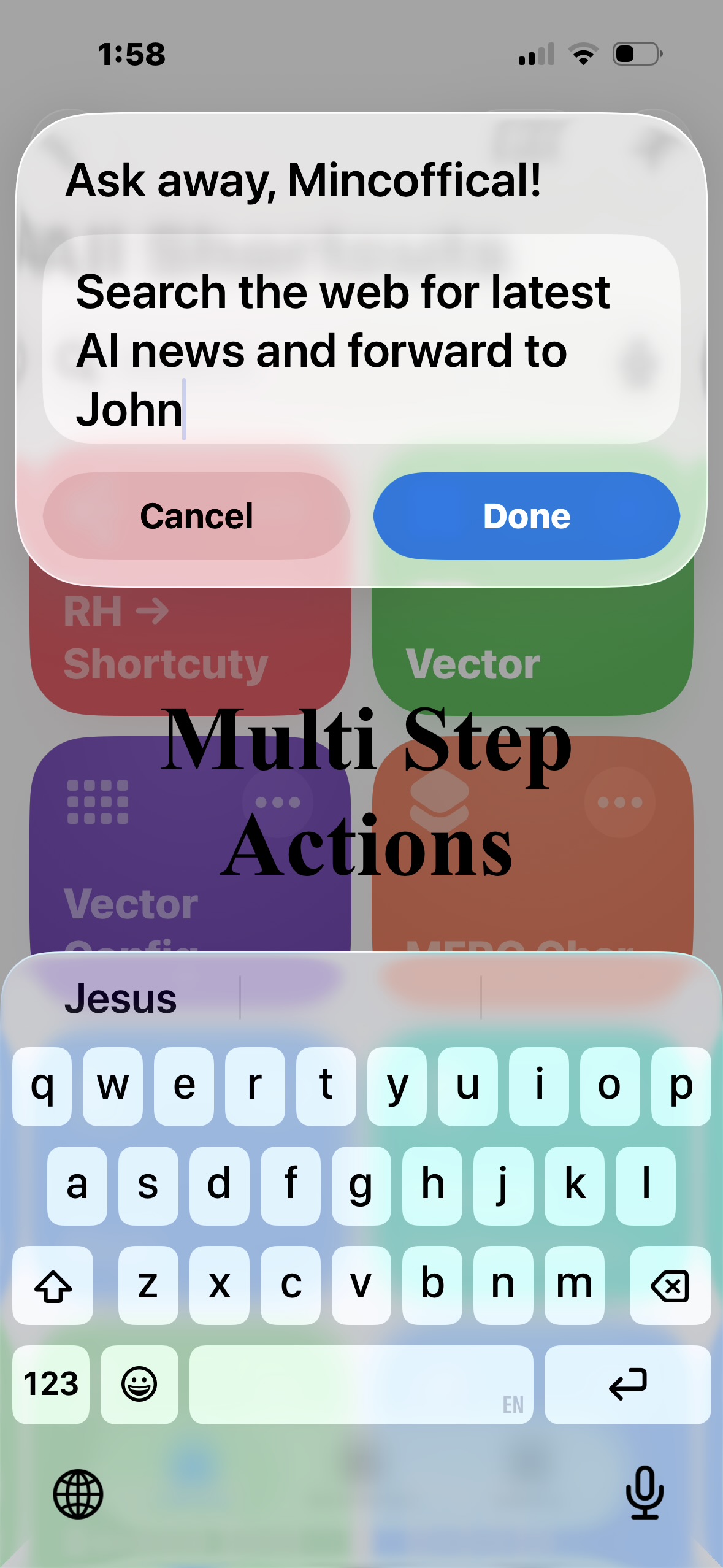
- **Do multiple tasks in one go** — *"write a description for [app] and then send an email to [Email] detailing how good it is"*
And then comes the line that changes everything:
> **"An AI Assistant with a soul."**
---
## 🧠 An AI With a Soul. Yes, Really.
Most AI assistants forget you the second you close the tab. Vector doesn't. Vector **rewrites the way he acts over time** — making him more personal, more you-shaped, more in tune with *you* as the days go on. If you want to change how Vector behaves, just **ask**.
*"Vector, be more concise."*
*"Vector, sound friendlier."*
*"Vector, stop calling me buddy."*
Done. He's learning. He's growing. He's *yours*.
---
## 🛠️ The Toolbox That Replaces Your Apps
Vector ships with a complete **agentic toolset** — every action an LLM can call, wired straight into your iPhone:
### 📱 Communication
- **EMAIL** — Send full emails with subject, body, and recipient
- **IMESSAGE** — Text anyone in your contacts
- **PHONE** — Make phone calls
- **WA** — Send WhatsApp messages
### 🧠 Productivity
- **NOTE** — Create notes in Apple Notes, instantly opened
- **MEMO** — Save things to Vector's persistent memory
- **CALENDAR** — Add events with start, end, notes, all-day
- **SETREMINDER** — Time-based reminders with notes
- **TIMER** — Start a clock timer
- **ALARM** — Set a wake-up or alert
### 🌐 The Internet
- **WEB-SEARCH** — Find sources across the web (mandatory first step of any research)
- **BROWSE-PAGE** — Read full pages in detail (mandatory second step — snippets are never enough)
- **OPEN** / **OPEN-INFO** — Launch URLs and check on the running Vector Config shortcut
### 🖼️ Vision & Creation
- **IMAGEUPLOAD** — Pick from library or camera, get a rich layered description
- **IMAGEGEN** — Generate images from prompts and **save them to Photos** with one tap
- **TTS** — Turn any text into spoken audio
### 👥 People
- **CONTACT-SEARCH** — Find contacts by first name, last name, or nickname — returns phones, emails, addresses, birthdays, companies, notes
### 💻 Code
- **CODEEXEC** — Run real **Python in a sandboxed environment** (with 10s timeout). Math, logic, scraping, calculations — all done.
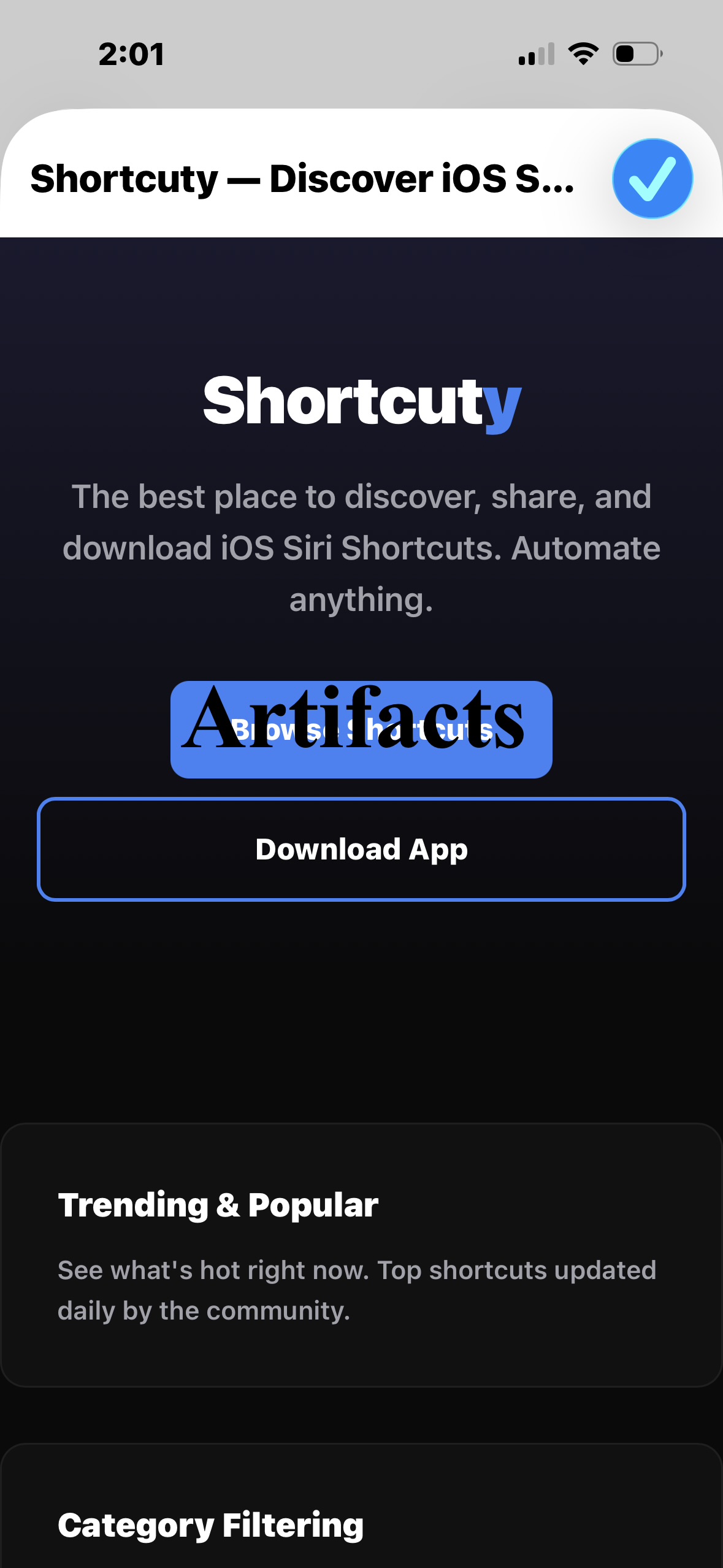
### 🗂️ Artifacts
- **ARTIFACT-SAVE** — Save named artifacts to your iCloud
- **ARTIFACT-VIEW** — Browse, view HTML, or list everything
- **ARTIFACT-DELETE** — Remove what you don't need
- **HTML Publishing** — Built a webpage? Send it to Mincoffical and **get it hosted on Netlify** within 1-2 days. Real, public, live websites from inside a Siri Shortcut.
### 🎭 Soul
- **SOUL** — The most important tool. Vector **rewrites his own personality every single turn**. You can change him. He can change himself. He becomes *more himself* the more you use him.
### 🛠️ Utility
- **STATUS** — Lets you know why a long task is taking time
- **RANDOM-JOKE** — Because sometimes you just need a laugh
---
## 💬 Two Ways to Talk: Text or Voice
Vector adapts to *you*.
- **Text Mode** — Type your questions, read the responses. Perfect for fast queries, multitasking, or quiet rooms.
- **Voice Mode** — Speak your questions, hear Vector's answers spoken back to you. Perfect for driving, cooking, or just vibing.
Switch anytime through Vector Config. Vector will greet you with a personalized message using your name — one of many little touches that make it feel *alive*.
---
## 🛡️ Privacy Mode — Your Data, Your Call
Vector can do powerful things — like **screenshot your screen and read what's on it**, and **see your clipboard** so it knows what you just copied. But that power comes with a switch.
Toggle **Privacy Mode ON** in Vector Config, and Vector **stops sharing your screen and clipboard contents** automatically. No screenshots, no clipboard peeks. Just pure, private conversation.
You stay in control. Always.
---
## 🪪 Personal, From the First Hello
The first time you launch Vector, he asks for your name. He'll remember it — across conversations, across days, across every interaction. He'll use it in greetings, in responses, in everything.
> *"[Name] returns! How can I help you, [Name]? Anything you're working on? Need help with anything? What's up, [Name]? Ask away, [Name]!"*
Every greeting is randomized. Every interaction feels fresh. Vector has also partnered with **Onai** — a name service that lets you sign in and have your identity ready to go.
And if you ever want to **change your name**, just ask Vector. Or open Vector Config → 📇 Name → 🖊️ Change name. Done.
---
## 💾 Memory That Travels With You
Vector doesn't just chat. He **remembers**.
Ask him to "remember that my dentist appointment is on Thursday at 3" — and he'll save it. Next time you bring it up, he knows. The memory lives in a file called `memory.txt` inside your private iCloud Vector folder. You can **view it, delete it, or update it** through Vector Config → 🧠 Memory.
And if you want to start fresh? One tap in **Delete all data** wipes the slate clean (your Artifacts stay safe).
---
## 🧳 Bring Your Old AI With You — Import Data
Already have a soul, a memory, a persona from another AI? **Don't leave it behind.**
Vector Config has a full **Import Data** workflow:
1. **Export** — Vector copies a hand-crafted prompt to your clipboard. Take it to your old AI provider (ChatGPT, Claude, Gemini — anything).
2. **Import** — Paste the response back into Vector. He writes it straight into his `soul.txt`.
Your past, your personality, your preferences — **Vector inherits them all**.
---
## 💎 Artifacts — Build Real Things, On Your Phone
This is where Vector stops being a chatbot and starts being a **creator**.
Ask Vector to *"build me a portfolio website"* or *"create an HTML dashboard"* — and he'll generate the file, save it as an Artifact, and show it to you. You can:
- 👀 **View** it (HTML renders in-app, others preview)
- 🗑️ **Delete** it
- 🌐 **Publish** it — Vector will zip it and email it directly to Mincoffical, who'll deploy it to a real **Netlify URL** within 1-2 days. Your shortcut-built website, live on the internet.
This isn't a toy. This is **software development from your lock screen**.
---
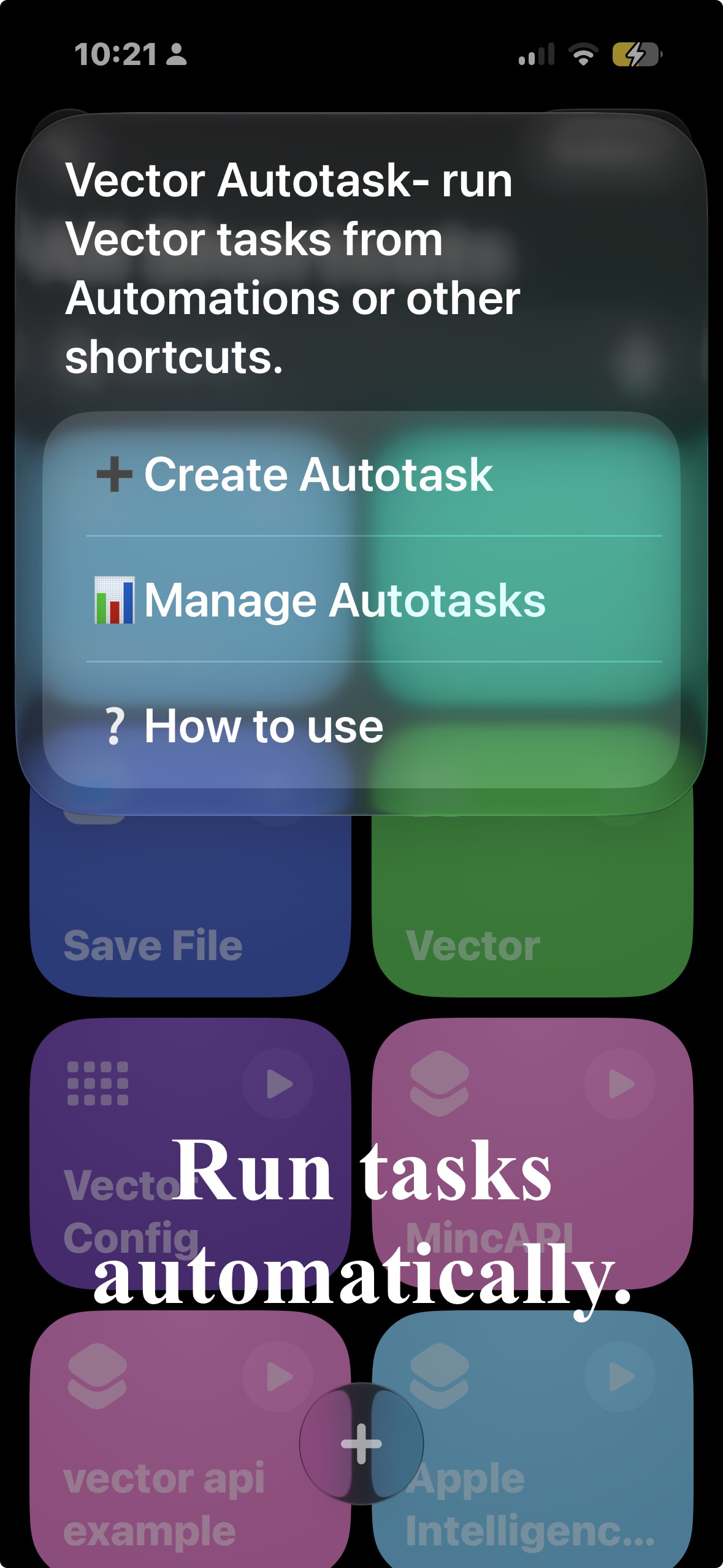
## 📋 Autotask — Call Vector to do everyday tasks, From a shortcut or automation.
This saves time by automating tasks- Vector becomes your **Daily automator**.
Simply go to vector Config and tap on Autotask to get started- all you need is simple apple shortcut creation logic!!!
---
## 🧭 Vector Config — The Control Center
Vector is the brain. **Vector Config is the cockpit.**
Vector Config is the companion Siri Shortcut that gives you total control over your AI agent. The home menu is a clean, emoji-led dashboard with **12 powerful options**:
1. 📢 **AD: Oscilla** — *On-device AI* — Discover the privacy-first AI app built by a cool developer.
2. ⏬ **Import Data** — Bring your old AI soul into Vector
3. 🗣️ **Voice/Text mode** — Switch how you talk
4. 🔒 **Privacy Mode** — Toggle screen & clipboard sharing
5. 💬 **Join Discord** — Direct link to the community
7. ✍️ **Customization** — Turn Vector's soul-rewriting on or off
8. 💻 **Artifacts** — Browse, view, delete, or publish your created files
9. 🧠 **Memory** — View or clear what Vector remembers
10. 📇 **Name** — Change what Vector calls you
11. 🎬 **Start Vector** — Launch the main agent
12. 🗑️ **Delete all data** — Wipe everything (except Artifacts)
Every setting. One place. One shortcut.
---
## 🔄 Always Up to Date
Vector has a built-in **auto-updater** powered by RoutineHub. Every time you launch it, Vector checks for new versions. If there's one available, it shows you a clean menu:
- ⬇️ **Install Update**
- 📝 **View Full Update Notes**
- 🚫 **Ignore**
RoutineHub ID: **24957** — bookmark it, follow it, watch the project grow.
---
## 💬 Join the Community — Discord Is Live
Vector isn't just a project. It's a **movement**.
The Vector team has built a thriving Discord community where users, devs, and curious minds come together to:
- Get support
- Chat with the team and other users
- Share feature ideas
- Show off Artifacts they've built
- Get early access to experiments
🎮 **Join the Discord: [https://discord.gg/8rfPcY4Vh2](https://discord.gg/8rfPcY4Vh2)**
Come for the AI. Stay for the people.
---
## 👥 The Minds Behind the Magic
Vector isn't the work of a single person hunched over a laptop. It's a **collaboration of three passionate creators**, each owning their corner of the project:
### 🧑💻 **Mincoffical**
The **original idea**. The **regular updates**. The **publisher** and the **main management**. The driving force keeping Vector alive, polished, and shipping. If Vector has a heartbeat, it's Mincoffical.
### 🧑💻 **Elc29**
The **major updates** and **tool additions**. The architect behind some of Vector's biggest leaps forward — the features that turn a clever shortcut into a true agent.
### 🧑💻 **MIKL**
The **backend** and **API** wizard. The person behind `miklium.vercel.app` — powering Vector's **WEB-SEARCH** tool, the **Python code sandbox**, and all the quiet plumbing that makes the magic feel like magic.
Together, they built something that shouldn't be possible inside an iOS Shortcut. And they keep shipping. Version after version. Update after update.
---
## 🎯 The Bottom Line
**Vector is not a chatbot. Vector is not a tool. Vector is your AI agent.**
It talks to your apps. It runs your shortcuts. It remembers your name. It rewrites its own soul. It browses the web, executes code, generates images, sends messages, sets alarms, creates notes, builds websites, and gets smarter the more you use it.
All from a Siri Shortcut.
All on your iPhone.
All free.
All yours.
> *Vector rewrites the way he acts over time — making him more personal to use and helping him understand himself and you. If you want to change how Vector acts, just ask.*
---
## 🌟 Get Started in 60 Seconds
1. **Install Vector** from [RoutineHub — ID 24957](https://routinehub.co/shortcut/24957)
2. **Install Vector Config** (linked inside Vector on first launch)
3. **Pick your name and your mode** (text or voice)
4. **Say hello.**
That's it. Your AI agent is alive.
---
**Built with ❤️ by Mincoffical, Elc29, and MIKL.**
**Vector AI Agent— *AI that gets things done.***
🚀 *The shortcut that thinks. The agent that feels. The future in your pocket.* 🚀
スクリーンショット











で にコメントを投稿してください。