

Changelog
v1.0
Description
This contains a simple iOS Settings URL for App Privacy Report page.
It launches you directly into `Settings → Privacy & Security → App Privacy Report`
___
## Setup
You have to first **turn ON the feature**. To do that, go to `Settings > Privacy & Security > App Privacy Report`.
Thereafter you can always run this shortcut to jump straight into that page and view the latest report.
___
## What is “App Privacy Report”
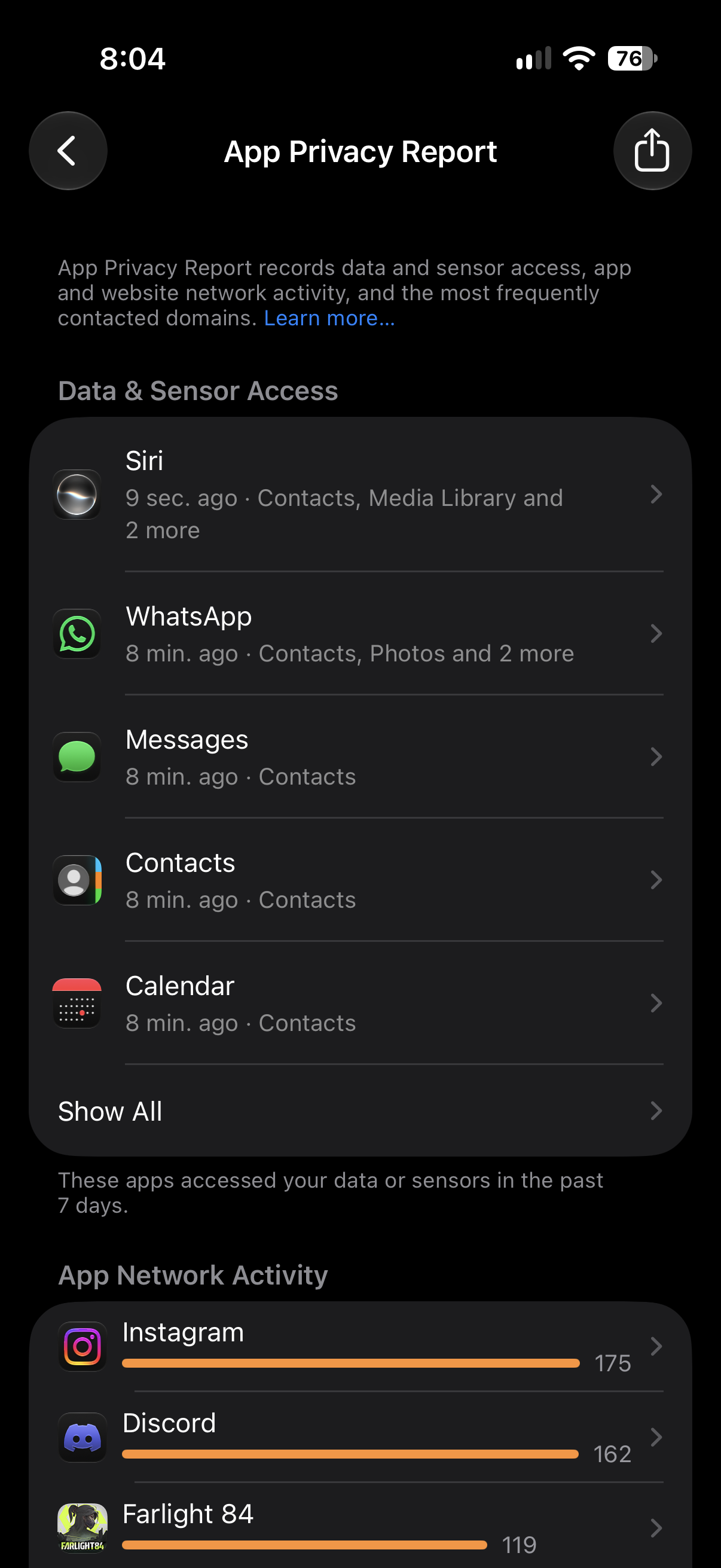
App Privacy Report is a standard feature by Apple that shows you details about how often apps access your data — like your location, camera, microphone, and more. You can also see information about each app's network activity and website network activity, as well as the web domains that all apps contact most frequently.
App Privacy Report helps give you a more complete picture of how the apps you use treat your data. [Learn more](https://support.apple.com/en-ng/102188)
Screenshots
Information
Version:
1.0
Released:
Last Updated:
Comments
1 comment






Please sign in to post comments.