

Description
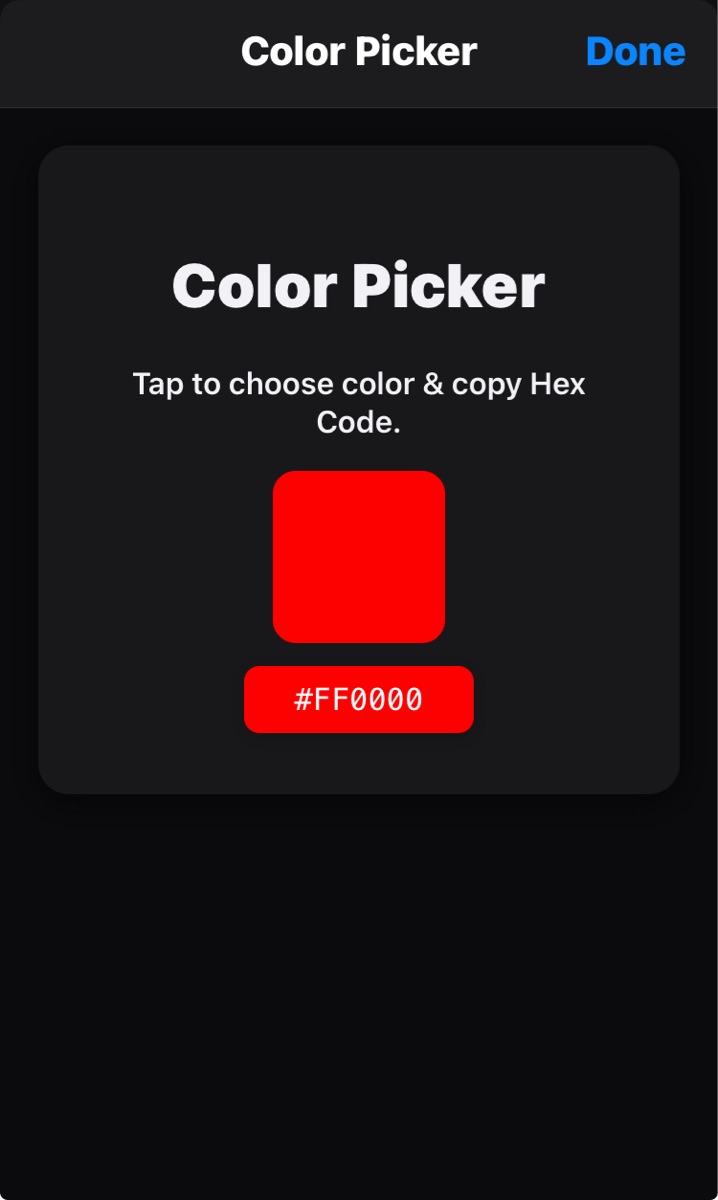
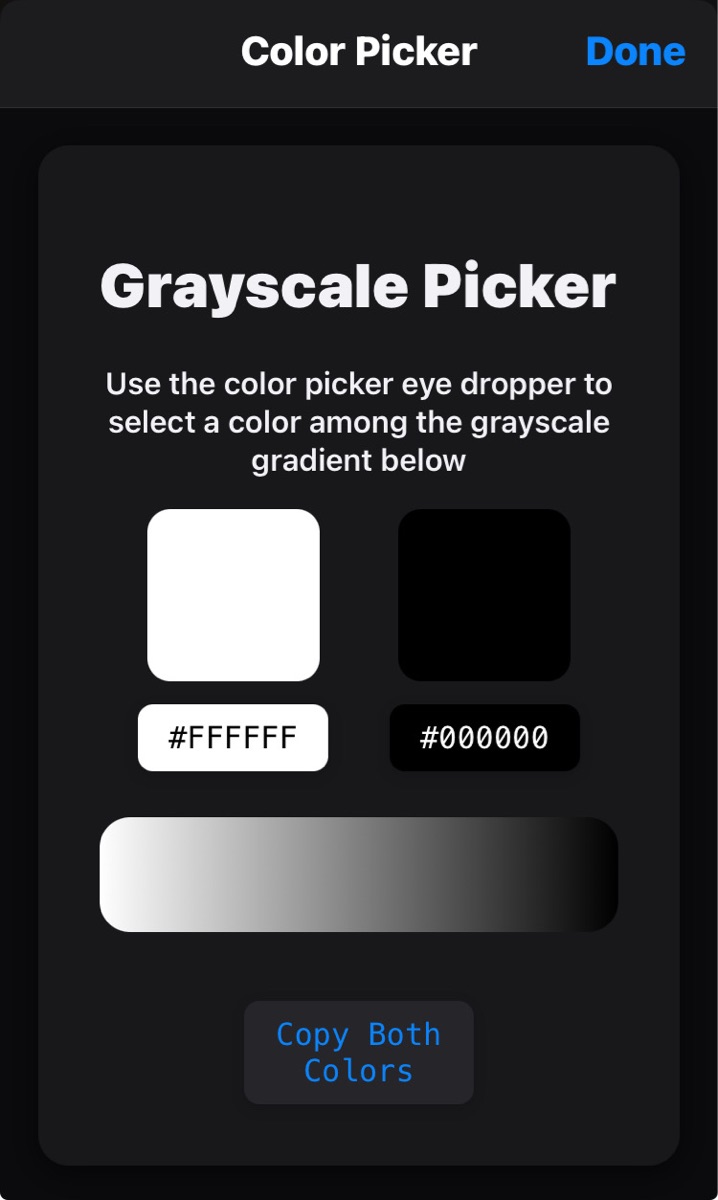
This Shortcut prompts the user to select a color from a generated webpage. The user can then use a button on the webpage to copy the hex code to the clipboard, which is then passed into the next action.
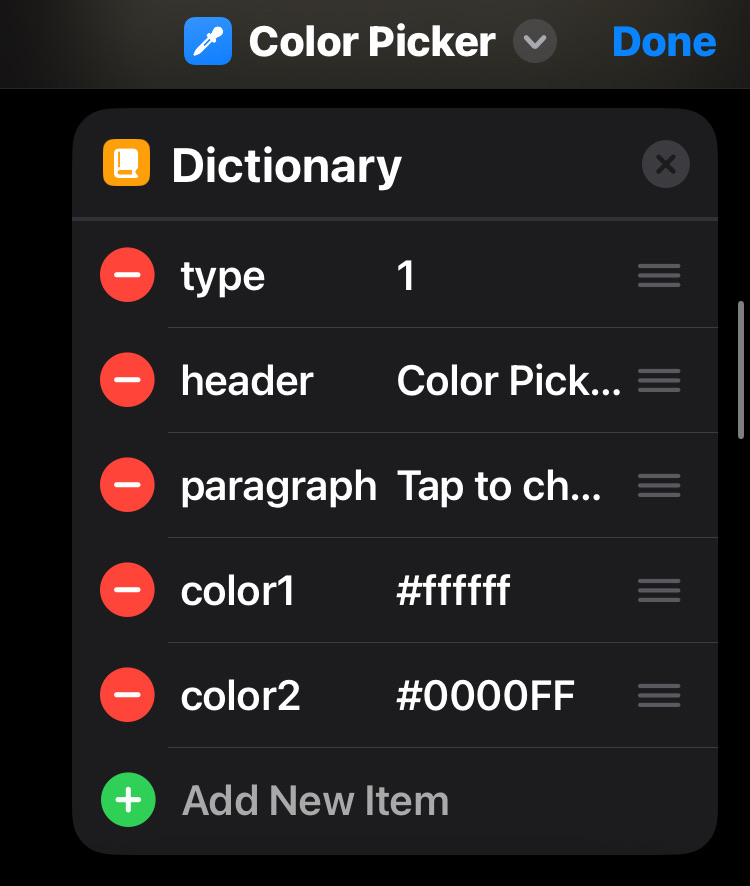
You can select the type (1 or 2 pickers), header text, paragraph text, and default colors displayed (color1 and color2) on the webpage through a dictionary within the shortcut or using the dictionary as an input for the shortcut, allowing customization for any shortcut you may need it for.
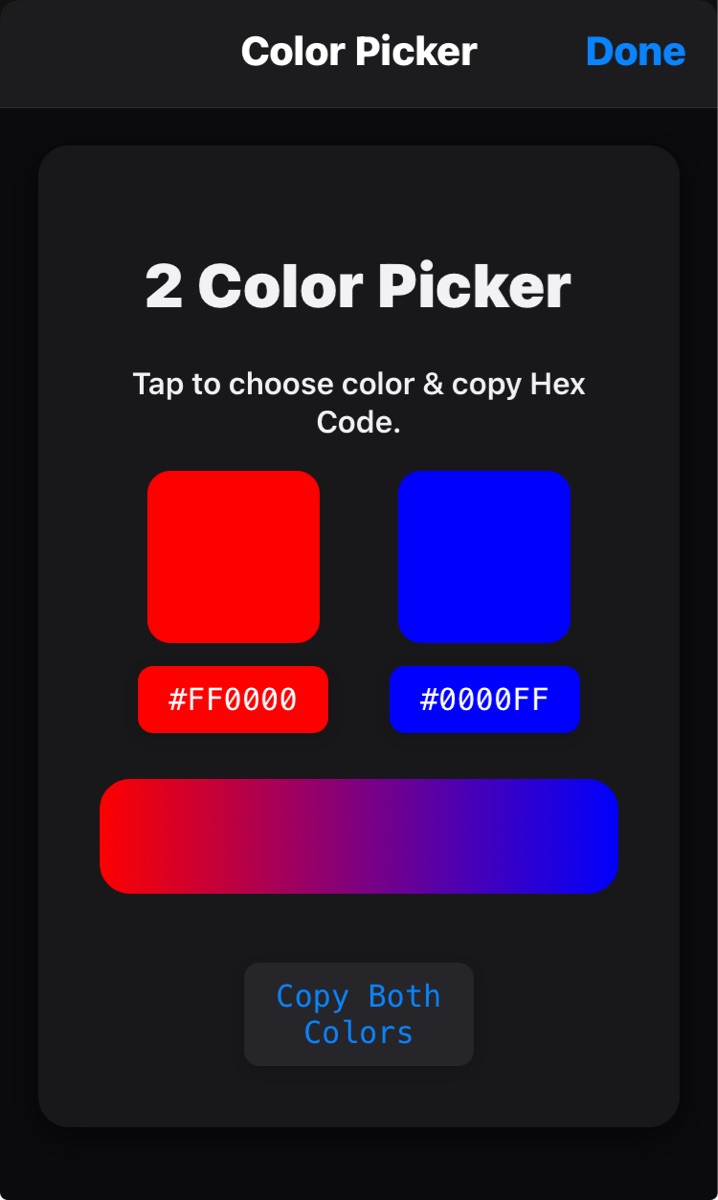
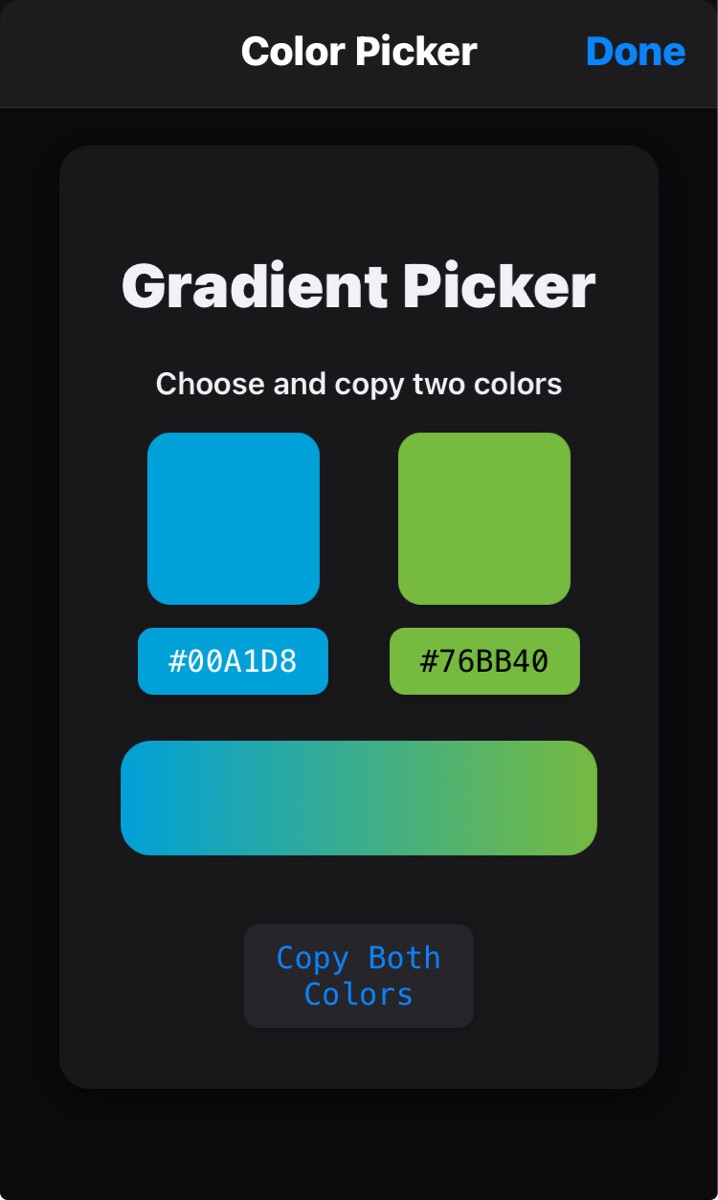
The two color picker is perfect for the Actions app create gradient color image action. The user can copy both colors to clipboard seperated by a line break so the text can be split by line and the first and list item from list can be used as color1 and color2 for the gradient.
Screenshots
Information
Version:
1.1
Released:
Last Updated:
Comments
Start the conversation
No comments yet. Be the first to comment!







Please sign in to post comments.