


Changelog
v6.2.1
• Shortcuts will now (actually) overwrite old versions when saving to an existing folder via Custom backup.
Description
### Effortlessly backup and restore your shortcuts.
**_Zero setup._**
_Made for iOS & macOS_.
#### Features:
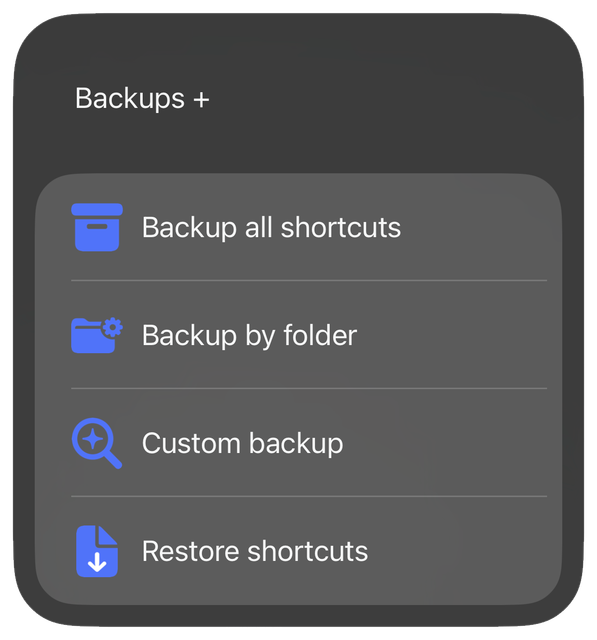
* **Custom backup:** Pick and choose exactly which shortcuts to backup using a sophisticated search tool.
* **Backup all:** Backup all your shortcuts with a single tap.
* **Backup by folder:** Backup all shortcuts within selected folders, including those without a folder.
* **Restore shortcuts:** Add multiple shortcuts to your library from file.
#### Bonus Features:
* Easily change backup location (default: iCloud Drive > Shortcuts > Backups).
* Carefully refined labeling system to keep your backups organized.
* Meticulous special character handling means no missing files and no errors.
* Extensive comments for easy modification.
Information
Version:
6.2.1
Released:
Last Updated:
Comments
Start the conversation
No comments yet. Be the first to comment!













Please sign in to post comments.